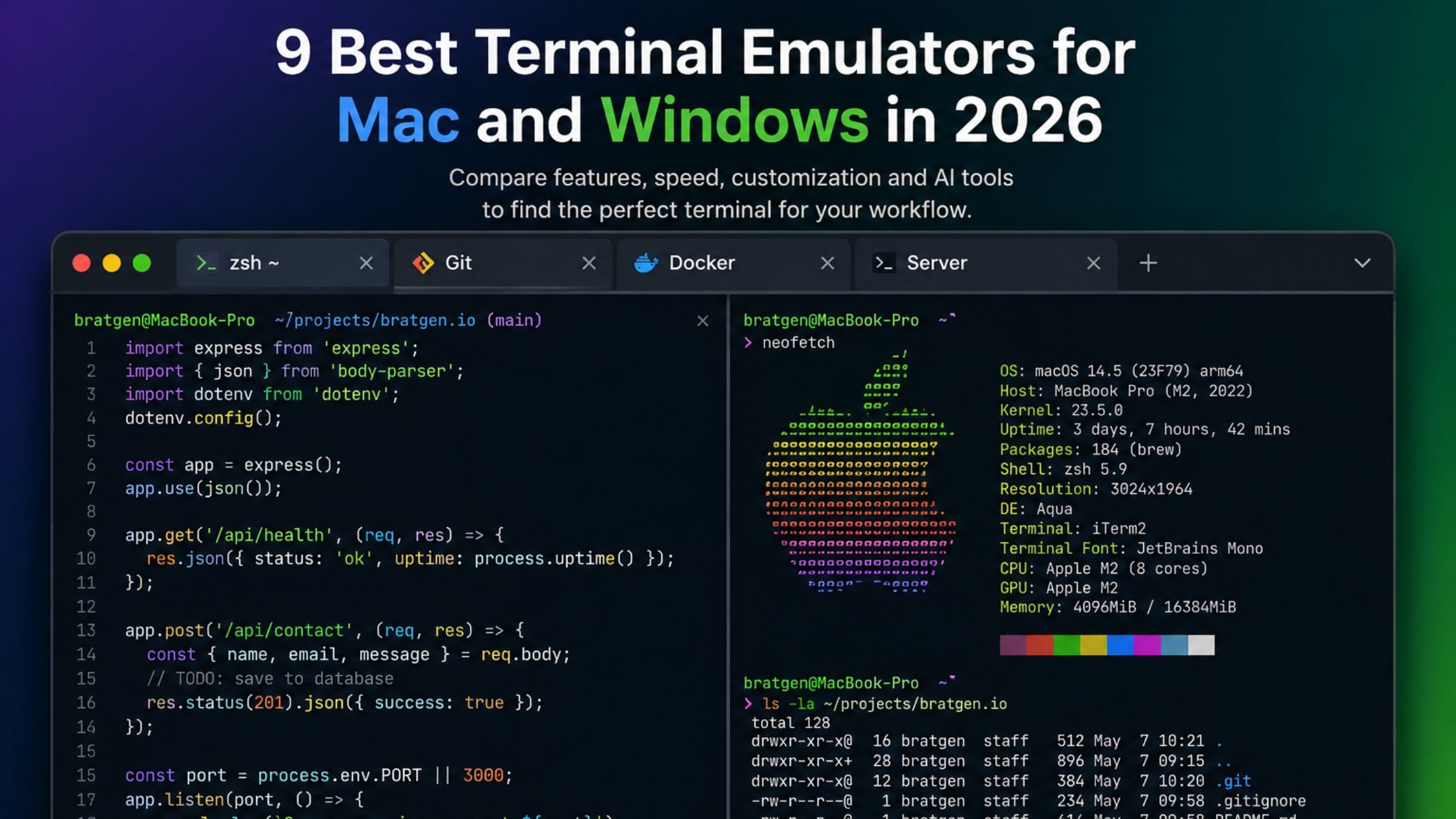
9 Best Terminal Emulators for Mac and Windows in 2026
The terminal is where a huge share of a developer’s real work happens, running builds, managing Git, connecting to servers and typing the same handful of commands dozens of times a day. Despite that, most developers still use whatever came preinstalled on their machine without ever comparing it to the alternatives. The terminal emulator market has genuinely improved in the last few years, with faster rendering, built-in AI command help and far better customization than the default apps offer. This guide compares the best terminal emulators for Mac and Windows in 2026, so you can pick one that actually fits how you work.
What Actually Matters in a Terminal Emulator
Rendering speed and input latency matter more than most developers realize, since even a small delay between a keypress and the character appearing on screen adds friction to work that happens hundreds of times an hour. GPU-accelerated terminals have made this delay close to imperceptible on modern hardware, which is a real, felt improvement over older software-rendered terminals.
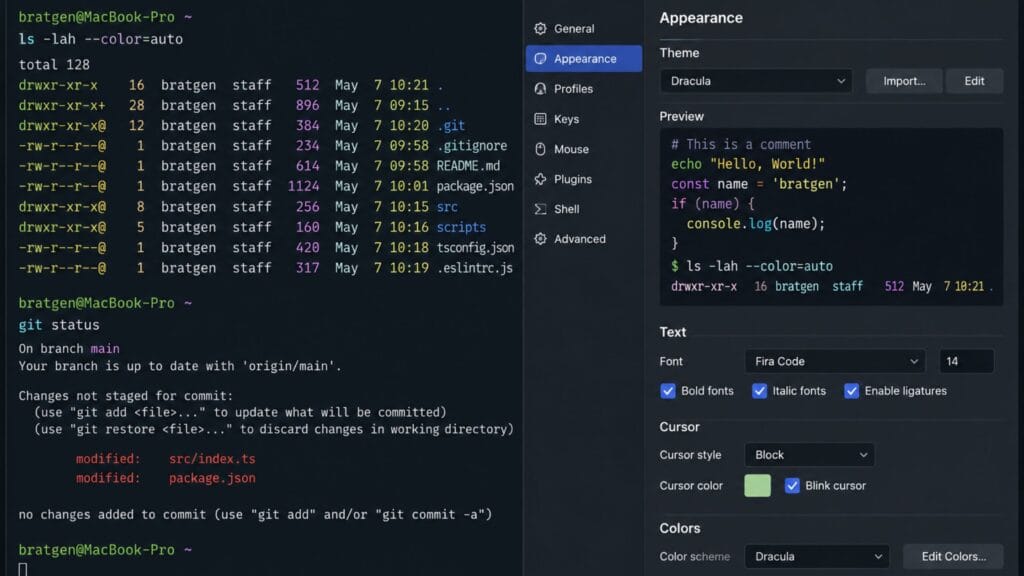
Beyond raw speed, the features worth comparing are tab and pane support for running multiple sessions at once, compatibility with tools like tmux for developers who rely on it, customization for color schemes and fonts and increasingly, built-in AI features that can suggest or explain a command. Not every developer needs all of these, which is exactly why the right terminal depends on your specific workflow rather than a single universal winner.
How We Compared These Terminals
This list covers terminals that are actively maintained and genuinely popular among developers in 2026, split across macOS and Windows since the two platforms have different default starting points. Each entry was judged on rendering performance, feature set, customization depth and how steep the setup process is for a new user. A couple of cross-platform options are included specifically for developers who want the same terminal experience regardless of which machine they are on.
Quick Comparison Table
| Terminal | Best For | Platforms | Price |
| iTerm2 | Proven macOS power features | macOS only | Free |
| Warp | AI command help | macOS, Windows (beta), Linux | Free, paid team tier |
| Windows Terminal | Default Windows upgrade | Windows only | Free |
| Alacritty | Raw rendering speed | macOS, Windows, Linux | Free |
| WezTerm | Identical config across platforms | macOS, Windows, Linux | Free |
| Ghostty | Fast, native, minimal setup | macOS, Linux | Free |
iTerm2: Best Traditional Terminal for Mac
iTerm2 has been the standard macOS terminal upgrade for years and it earns that reputation with split panes, powerful search, saved profiles, a global hotkey window and deep tmux integration that few newer terminals match feature for feature. It requires no account and no subscription, which some developers specifically value in a category that has started adding more cloud-connected features.
The tradeoff is that iTerm2’s interface and performance show their age next to newer, GPU-accelerated terminals and its settings menu can feel dense for a first-time user. For Mac developers who want a stable, fully featured terminal with no new habits to learn beyond the default Terminal app, iTerm2 remains a safe, well-supported choice.
Warp: Best AI Features for Mac and Windows
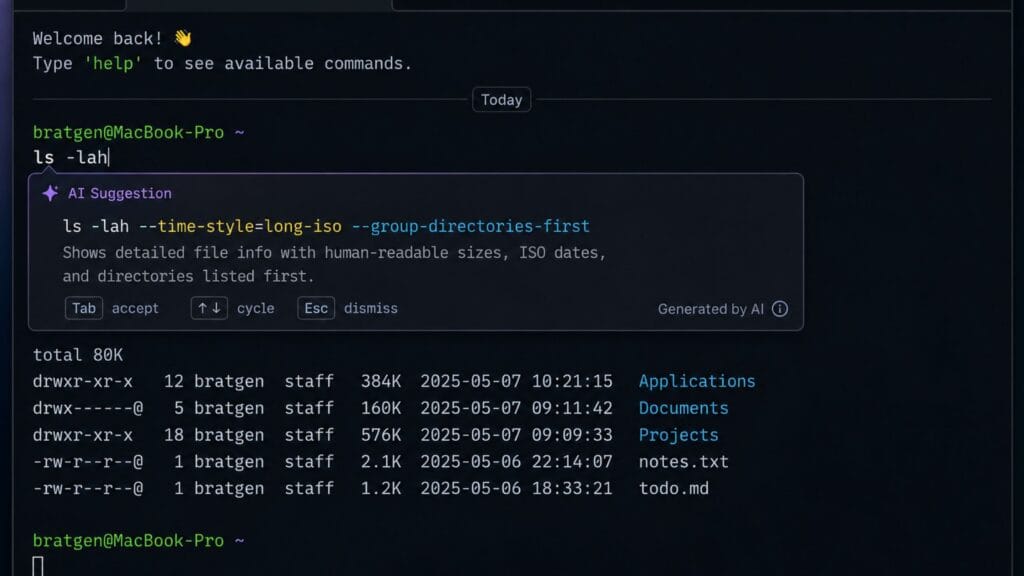
Warp reimagines the terminal around blocks of input and output rather than a continuous scrolling stream and it adds AI-powered command suggestions that can explain an unfamiliar flag or generate a command from a plain language description. For developers who frequently work with CLI tools they do not use every day, that AI assistance genuinely speeds up the process of looking up the right syntax.
Warp is free for individual developers, with a paid tier aimed at teams that want shared workflows and collaboration features. It requires an account to use, which is worth knowing upfront if that is a concern and its Windows support is newer than its macOS support, so Mac users currently get the more mature experience.
Windows Terminal: Best Default Upgrade for Windows
Windows Terminal ships with modern versions of Windows and unifies Command Prompt, PowerShell and WSL shells into a single tabbed application. Microsoft’s own documentation describes it as a host application with multiple tabs and panes, Unicode and UTF-8 support, a GPU-accelerated rendering engine and the ability to fully customize colors, backgrounds and keyboard shortcuts through a JSON configuration file.
For most Windows developers, Windows Terminal is simply the obvious upgrade over the legacy Command Prompt window, since it is free, actively maintained by Microsoft and requires no third-party installation to get a meaningfully better experience. Developers who want AI features or cross-platform config parity will still want to look at Warp or WezTerm but as a default terminal upgrade, Windows Terminal is hard to beat.
Alacritty: Best for Raw Speed
Alacritty is a GPU-accelerated terminal built in Rust with a singular focus on rendering speed and low input latency and it consistently benchmarks among the fastest options available on any platform. It deliberately skips built-in tabs and split panes, which keeps the application lean but means most Alacritty users pair it with tmux for session and window management instead.
This makes Alacritty a strong pick specifically for developers who already live in tmux and want the fastest possible terminal underneath it, rather than a good starting point for someone who wants tabs and panes built in from the start. Configuration happens through a text file rather than a settings menu, which fits the minimalist philosophy but adds a small learning curve for newcomers.
WezTerm: Best Cross-Platform Consistency
WezTerm runs identically on macOS, Windows and Linux, using the same configuration file and feature set regardless of platform, which is genuinely useful for developers who regularly switch between machines or operating systems. It includes GPU-accelerated rendering, built-in multiplexing similar to tmux and a Lua-based configuration system that offers deep customization once you learn its syntax.
The main tradeoff is that Lua configuration is more powerful but less approachable than a simple settings menu, so WezTerm rewards developers willing to invest a bit of setup time. For anyone who wants one terminal that behaves exactly the same on every machine they use, that setup cost tends to pay for itself quickly.
Ghostty: Best New All-Rounder for Mac
Ghostty is one of the newest terminals on this list and has quickly become one of the most talked-about developer tools in its category, built with a strong focus on native performance and minimal configuration out of the box. It is fast, free and open source, which removes any real barrier to trying it and its default settings tend to feel more polished on first launch than most terminals that require heavy customization to feel complete.
Its Windows support currently lags behind its macOS and Linux support, so Windows developers should treat it as a tool to watch rather than a primary pick for now. For Mac developers who want a fast, modern terminal without spending an afternoon configuring it, Ghostty is worth trying alongside or instead of iTerm2.
How to Pick the Right Terminal for Your Workflow
If you are on macOS and want a proven, fully featured terminal with no account requirement, iTerm2 remains a safe default. If you want the fastest path to trying a modern, minimal terminal on Mac, give Ghostty a look before investing time configuring iTerm2 further.
On Windows, Windows Terminal is the clear starting point for almost every developer, since it ships with the OS and already covers what most people need without installing anything extra. Reach for Warp on either platform specifically when AI-assisted command help would save you real time, particularly if you frequently work with CLI tools outside your usual stack.
Choose Alacritty or WezTerm if raw speed or cross-platform configuration consistency matters more to you than a polished settings menu and expect to pair either one with tmux if you want built-in session management. Most developers settle on one terminal per platform rather than switching constantly, so it is worth spending a week with your top pick before deciding it is the right long-term fit.
A fast, comfortable terminal is one piece of a bigger focus setup. Our guide to building a distraction-free coding environment covers the rest of that setup and the Brat Generator homepage has more free tools if you want to see what else the site offers.
FAQs
What is the best terminal emulator for a beginner?
Windows Terminal on Windows and iTerm2 on Mac are the easiest starting points for a beginner, since both offer a big improvement over the default terminal without requiring deep configuration to feel usable. Both are free and well documented, which matters when you are still learning basic terminal commands.
Is Warp worth using if I do not want AI features?
Warp’s block-based interface and modern design still offer real usability improvements even if you never touch its AI features but if AI assistance is not appealing to you, a terminal like iTerm2 or Windows Terminal gives you a comparably polished experience without an account requirement. Try both and see which interaction style actually feels faster for your daily work.
Do I need tmux if I use a modern terminal emulator like Warp or Ghostty?
It depends on your workflow. Warp includes its own pane and block management that covers some of what tmux does, while Ghostty and Alacritty rely more heavily on tmux for session persistence and split management. If you regularly work over SSH and want to detach and reattach sessions, tmux remains useful regardless of which terminal emulator you choose.
Which terminal emulator is fastest?
Alacritty and similarly minimal, GPU-accelerated terminals consistently benchmark among the fastest for raw rendering speed and input latency. In practical daily use, the difference between the fastest options and terminals like iTerm2 or Warp is small enough that most developers will not notice it outside of synthetic benchmarks.
Can I use the same terminal on both Mac and Windows?
Yes, Warp and WezTerm both support macOS and Windows and WezTerm in particular is built specifically to behave identically across platforms using the same configuration file. This is worth prioritizing if you regularly switch between a Mac and a Windows machine and want a consistent setup on both.
Is it worth switching away from my default terminal?
If you spend significant time in the command line daily, yes, since even small improvements in rendering speed, tab management and customization compound over months of daily use. If you only open a terminal occasionally, the default app on your system is probably enough and the switching cost may not be worth it.
Conclusion
The best terminal emulator for you depends more on your platform and workflow than any single feature list but a few starting points cover most developers well. Windows Terminal is the obvious upgrade if you are on Windows, iTerm2 or Ghostty cover Mac depending on whether you want proven stability or a newer, faster default and Warp is worth trying on either platform if AI-assisted commands genuinely fit how you work.
If this comparison helped you find a better terminal setup, share it with a teammate still using whatever came preinstalled on their machine or drop a comment with the terminal that ended up sticking in your daily workflow.