AI Tools Directory: Explore Solutions for Content Creation and Automation
Artificial intelligence is transforming how businesses create content, manage daily tasks, and improve productivity. From writing blog posts and designing graphics to automating repetitive workflows, AI-powered solutions help individuals and organizations complete work more efficiently. However, with hundreds of tools available across different categories, finding the right solution can quickly become overwhelming.
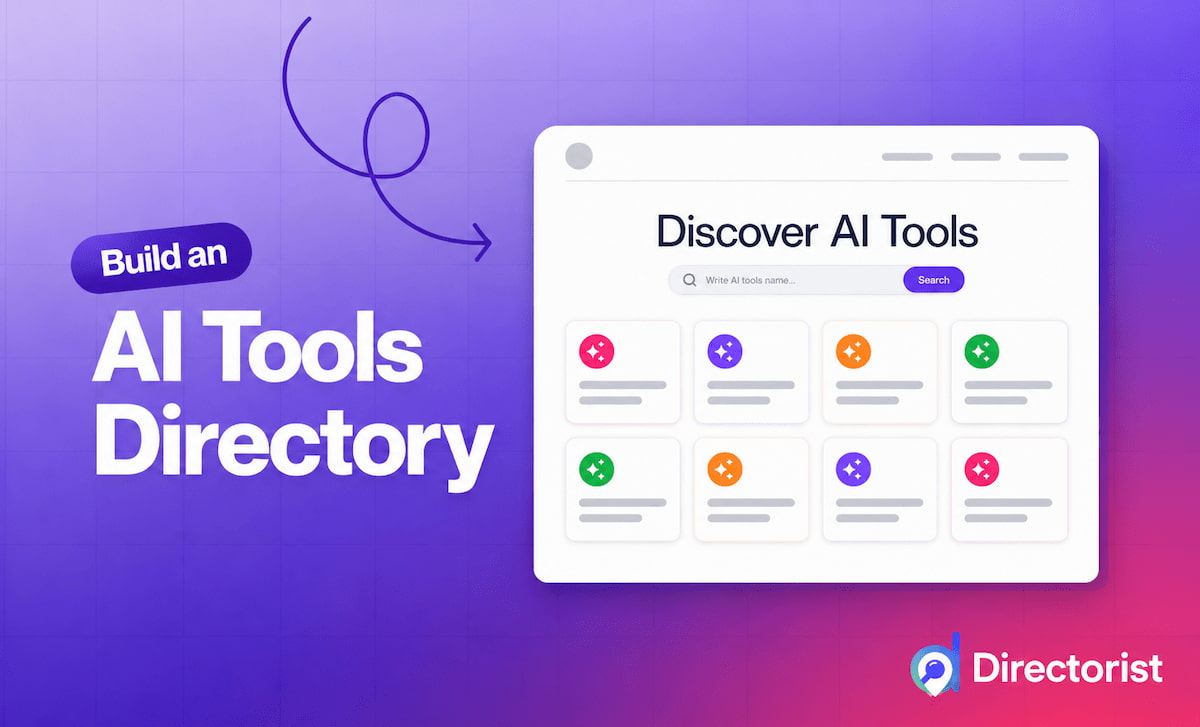
This is where an AI tools directory becomes valuable. It provides a centralized place to discover, compare, and evaluate AI-powered applications based on their features, use cases, and pricing options. Instead of spending hours searching for individual tools, users can explore organized categories and identify solutions that match their specific needs.
Whether you are a content creator, digital marketer, freelancer, business owner, or student, understanding how to navigate an AI tools directory can help you make better technology decisions and build a more productive workflow.
What Is an AI Tools Directory?
An AI tools directory is an online collection of artificial intelligence applications organized by functionality, industry, or intended use. These platforms help users discover software for content creation, graphic design, video production, research, coding, marketing, and business automation.
Many directories also provide tool descriptions, feature comparisons, pricing information, user reviews, and links to official websites. These details make it easier to evaluate available options before investing time or money in a particular solution.
For example, someone looking for help writing blog posts can explore AI writing assistants, while a marketing team interested in automating email campaigns can browse workflow automation and marketing tools.
Some directories focus on free or open-source applications, while others include premium software and specialized business solutions.
The main purpose is to simplify discovery and help users select tools that solve real problems rather than choosing software based solely on popularity.
Why Are AI Tools Important for Content Creation?
Content creation involves several activities, including research, planning, writing, editing, graphic design, publishing, and performance analysis. Completing these tasks manually can require significant time and effort, particularly for individuals managing multiple channels.
AI-powered applications can support many stages of this process.
1. Faster Content Writing
AI writing assistants help users brainstorm topics, develop outlines, draft articles, summarize information, and improve grammar. They can also assist with product descriptions, email newsletters, website copy, and social media captions.
For example, a blogger can use an AI assistant to generate article ideas, organize headings, and prepare an initial draft. The writer can then refine the material, verify facts, and add original insights before publishing.
This approach can reduce the time required for routine writing tasks while allowing creators to focus on accuracy, expertise, and audience needs.
2. Image and Graphic Design
Visual content plays an important role in digital marketing, advertising, and online publishing. AI image generators and design applications can help users create illustrations, promotional graphics, concept art, and social media visuals.
Tools such as Canva and Adobe Firefly offer AI-assisted creative capabilities that support different design workflows.
A small business, for instance, can explore AI-generated visual concepts for a promotional campaign without beginning every design from scratch.Working with existing photos is another common need. A small business preparing product images or social media posts can use an AI image editor such as Pokecut to remove backgrounds or make targeted image edits, adapting the photos it already has for a new campaign.
However, users should review the quality of generated images and check licensing, brand requirements, and commercial-use restrictions before publishing them.
3. Video and Audio Production
AI tools can simplify video editing, transcription, voice generation, caption creation, and content repurposing.
Applications such as Descript support transcript-based audio and video editing, while ElevenLabs provides AI voice-generation capabilities.
These solutions can help podcasters, educators, marketers, and video creators produce content more efficiently.
A long educational video can also be repurposed into shorter clips, captions, or written summaries, helping creators distribute information across multiple platforms.
The best results come from combining automation with human review to maintain accuracy, quality, and a consistent brand identity.
Popular Categories to Explore in an AI Tools Directory
A well-organized directory helps users navigate the growing AI ecosystem by grouping tools according to their primary functions.
AI Writing and Editing Tools
These applications support brainstorming, drafting, rewriting, proofreading, and summarization. They are useful for bloggers, copywriters, students, marketers, and business professionals.
Examples include ChatGPT, Claude, and Grammarly. Each offers different capabilities, so users should compare features and select a tool that suits their writing requirements.
AI Research and Productivity Tools
Research-oriented AI applications help users explore topics, organize information, summarize documents, and identify relevant sources.
Productivity tools can also assist with meeting notes, task organization, document preparation, and knowledge management.
These solutions are particularly useful for teams that need to process large amounts of information while keeping projects organized.
AI Image and Video Generators
Creative AI tools can generate visual concepts, edit existing images, create video content, and support presentation design.
They are useful for digital marketers, designers, educators, and content creators who need engaging visual material.
AI Marketing and SEO Tools
Marketing-focused applications support keyword research, content optimization, campaign planning, audience analysis, and social media management.
Some tools can help identify content opportunities or evaluate website performance, while others assist with drafting marketing copy and organizing publishing schedules.
AI recommendations should be checked against reliable keyword data, audience behavior, and current search engine guidance.
AI Automation Tools
Automation platforms connect applications and trigger actions based on predefined rules or events. Some incorporate AI to classify information, summarize messages, generate responses, or support more flexible workflows.
Tools such as Zapier, Make, and n8n can help users connect different applications and reduce repetitive manual work.
For example, a business could create a workflow that collects incoming form submissions, organizes the information, and sends an appropriate notification to the relevant team.
The level of automation depends on the platform, integrations, permissions, and workflow design.
How to Choose the Right AI Tools
Finding a useful application requires more than selecting the tool with the most features. The right choice depends on your goals, budget, technical experience, and existing workflow.
1. Identify Your Primary Objective
Begin by defining the problem you want to solve. Are you trying to write content faster, create better graphics, automate administrative tasks, or improve marketing performance?
A clear objective helps narrow the options and prevents unnecessary spending on features you may never use.
2. Compare Features and Limitations
Review each application’s main capabilities, integration options, output quality, and usage limits.
Some tools specialize in one task, while others offer broader functionality. A specialized application may provide better control over a particular workflow, whereas an all-purpose assistant may be sufficient for several everyday tasks.
3. Check Pricing and Free Plans
Many AI applications offer free tiers, limited trials, or paid subscriptions. Before committing, check usage limits, export options, commercial-use terms, and any additional costs associated with integrations or advanced features.
Testing a free plan can help you determine whether the tool provides enough value for your needs.
4. Evaluate Ease of Use
A powerful tool may not be suitable if it requires extensive training or creates unnecessary complexity.
Choose applications that fit your team’s technical skills and integrate smoothly with the software you already use.
5. Review Privacy and Security
Before uploading confidential documents, customer information, or internal business data, examine the provider’s privacy policy, data-retention practices, and security controls.
For business use, consider access permissions, administrative controls, and whether the tool meets your organization’s compliance requirements.
Using AI Tools to Automate Everyday Workflows
AI becomes particularly valuable when individual applications work together rather than operating as isolated solutions.
Consider a content marketing workflow. A team could use an AI assistant to brainstorm article topics, a research tool to gather supporting information, a writing application to prepare a draft, and a design platform to produce accompanying visuals.
An automation platform could then help organize approved content in a project management system and notify the appropriate team members when a task is ready for review.
Another example involves customer support. Incoming messages could be categorized automatically, routine questions could receive suggested responses, and complex requests could be forwarded to a human representative.
These workflows can reduce repetitive work and improve consistency. However, automated processes should include appropriate review steps, especially when they involve customer communications, sensitive information, or important business decisions.
Start with a small, clearly defined process, measure the results, and expand automation only when it demonstrates practical value.
Benefits of Using an AI Tools Directory
Using a centralized directory offers several advantages for individuals and organizations.
Time savings: Organized categories make it easier to discover relevant applications without conducting separate searches for every task.
Better comparisons: Tool descriptions, feature lists, and pricing information help users evaluate alternatives before making a decision.
Improved productivity: Discovering suitable tools can help reduce repetitive tasks and simplify existing workflows.
Cost awareness: Directories that identify free, freemium, and paid solutions can help users find options that fit their budgets.
Access to innovation: Regularly updated directories can introduce users to emerging applications and new ways to approach familiar challenges.
The quality of a directory still matters. Some listings may be outdated, sponsored, incomplete, or based on unverified claims. Users should confirm important details on official product websites and look for transparent evaluation criteria.
Best Practices for Getting More Value From AI Tools
To build an effective AI workflow, focus on practical results rather than collecting as many applications as possible.
Start with a small set of tools that address your most frequent tasks. Learn their capabilities, establish consistent processes, and determine where human review is necessary.
Measure performance using indicators such as time saved, output quality, error rates, and total operating costs. These metrics can reveal whether an application genuinely improves productivity.
It is also important to maintain human oversight. AI-generated content may contain inaccurate information, repetitive language, or unsupported claims. Review outputs carefully and add original expertise wherever necessary.
Finally, revisit your tool selection periodically. As requirements change and software evolves, you may discover that an existing application can replace several overlapping subscriptions or that a new solution offers better integration.
Conclusion
AI-powered applications are creating new opportunities to improve content creation, streamline workflows, and automate repetitive tasks. However, choosing the right solutions requires a clear understanding of your objectives, available features, costs, and security requirements.
An AI tools directory simplifies the discovery process by organizing applications into useful categories and helping users compare solutions for writing, research, design, marketing, productivity, and automation.
By identifying your priorities, evaluating tools carefully, and integrating suitable applications into existing workflows, you can build a more efficient and cost-effective digital toolkit.
The goal is not to use every available AI application. It is to find the tools that deliver measurable value, support your creative or business objectives, and allow you to spend more time on work that requires human judgment, expertise, and originality.