10 Email Templates Every Small Business Should Keep Ready
Small-business owners spend a surprising amount of time writing emails they have already written before.
A new customer needs a welcome message. A recent buyer needs an order confirmation. A promising lead needs a follow-up. An inactive subscriber needs a reason to come back.
These messages may serve different purposes, but they all create the same challenge: writing each one from scratch takes time and makes it harder to maintain a consistent brand voice.
That is why every small business should build a practical email template library. A well-written template gives you a dependable starting point without making every message sound identical. You can personalize the important details while keeping the structure, branding, and call to action consistent.
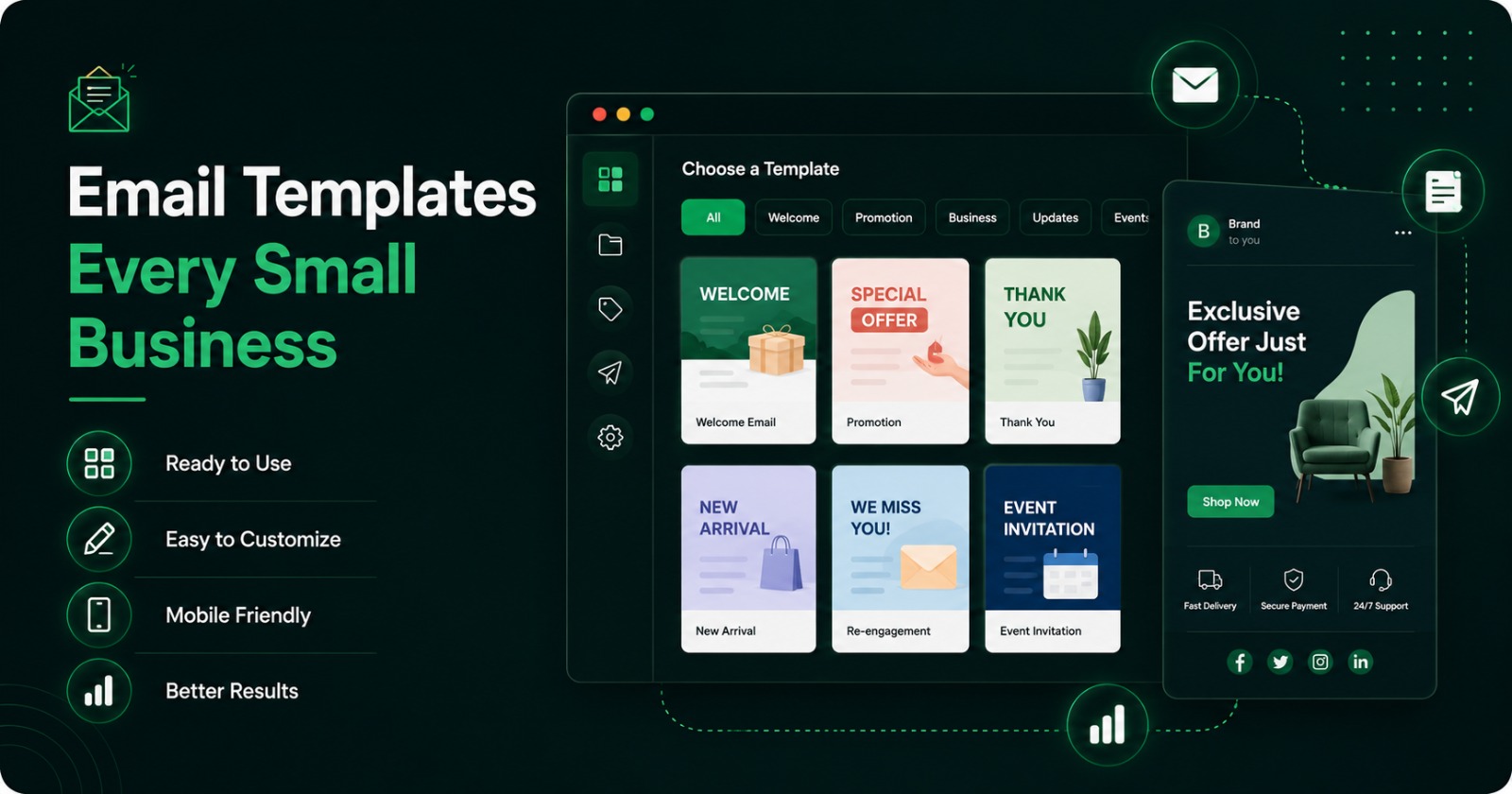
Tools such as MailEditor make this process easier by helping businesses choose, customize, and reuse professional email designs without advanced coding knowledge.
Here are ten email templates worth preparing before you need them.
1. Welcome Email Template
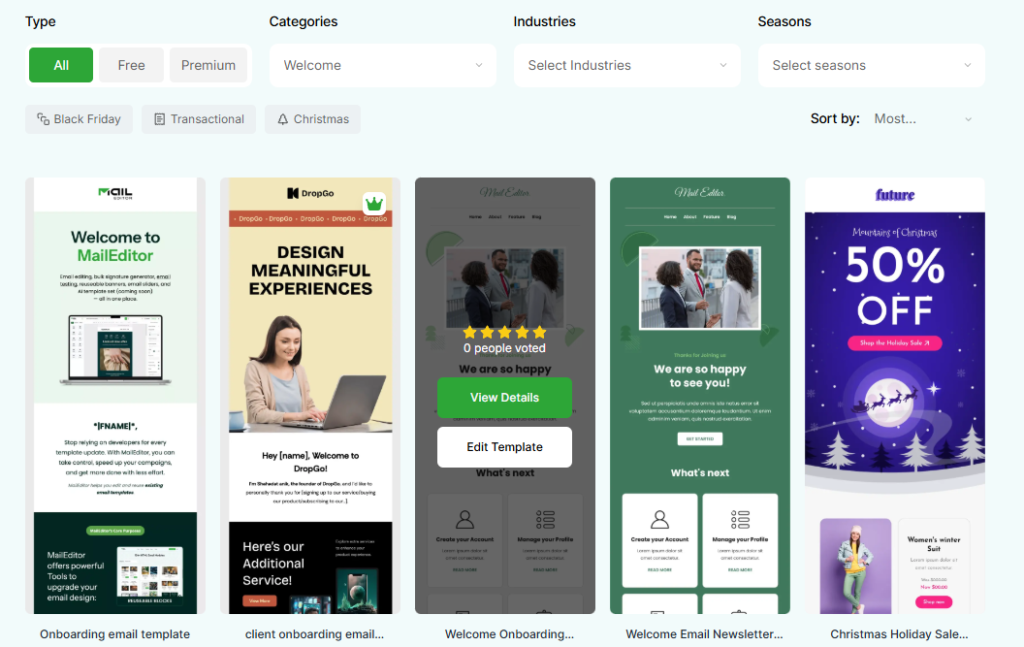
A welcome email sets the tone for the customer relationship.
It may be sent after someone joins your mailing list, creates an account, downloads a resource, books a service, or makes their first purchase. Whatever triggered the email, the recipient should immediately understand that their action was successful and know what to do next.
A strong welcome email usually includes:
- A warm but concise greeting
- A quick introduction to your business
- An explanation of what the recipient can expect
- One helpful next step
- A way to contact your team
For example, an online retailer might direct new subscribers to its most popular products. A consultant could share a short service guide. A software company might ask users to complete their account setup.
The key is to keep the message focused. A welcome email does not need to tell the recipient everything about your company. It only needs to help them take the next logical step.
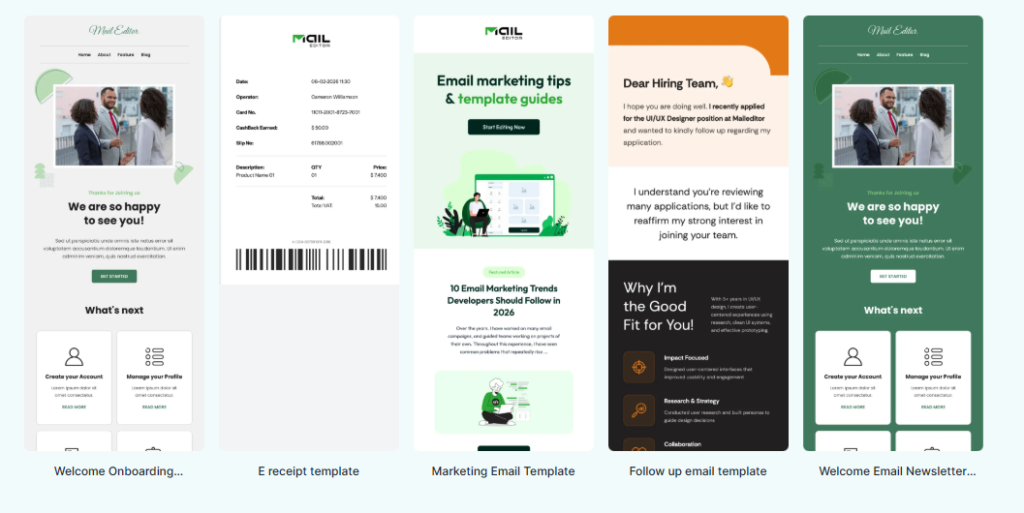
You can use these welcome email templates as a starting point for subscribers, new customers, members, or account holders.
2. Newsletter Email Template
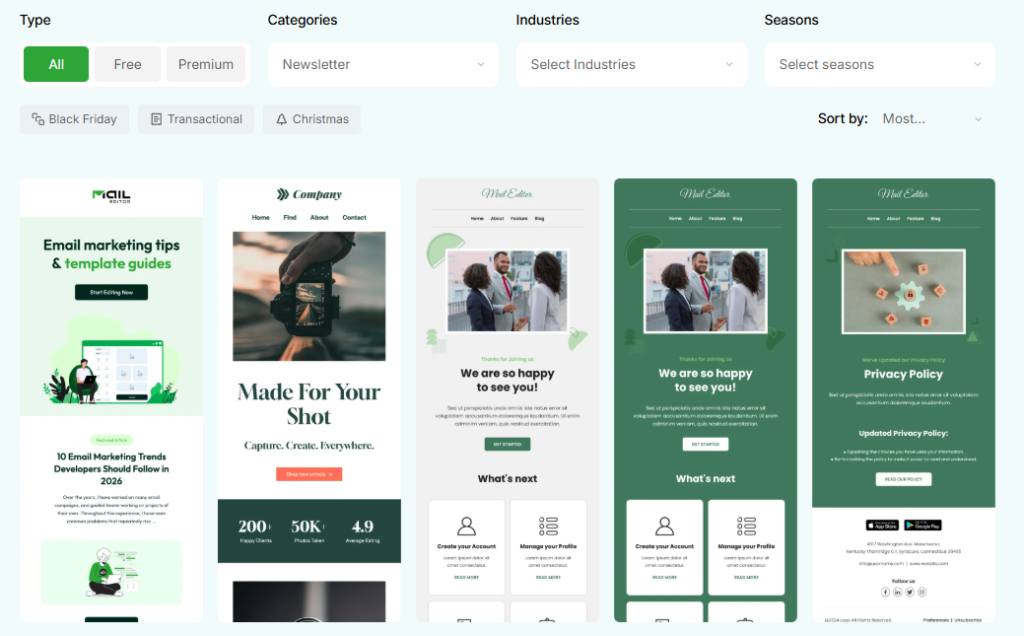
A newsletter helps you stay connected with customers between purchases.
Unlike a promotional campaign, it does not always need to sell something. It can educate readers, share company updates, highlight useful resources, or strengthen your position as a trusted source in your industry.
A small-business newsletter might include:
- A recent article or guide
- A company update
- A customer success story
- A new product or service
- An upcoming event
- A practical tip
- A curated industry resource
The biggest mistake businesses make with newsletters is trying to include too much. When every update receives equal attention, readers may not know where to look first.
Choose one main story, place it near the top, and organize the remaining content into short, easy-to-scan sections. Use descriptive headings rather than vague labels such as “Latest News.”
MailEditor.net’s newsletter email templates can help you create a repeatable layout while changing the content for each edition.
3. Promotional Email Template
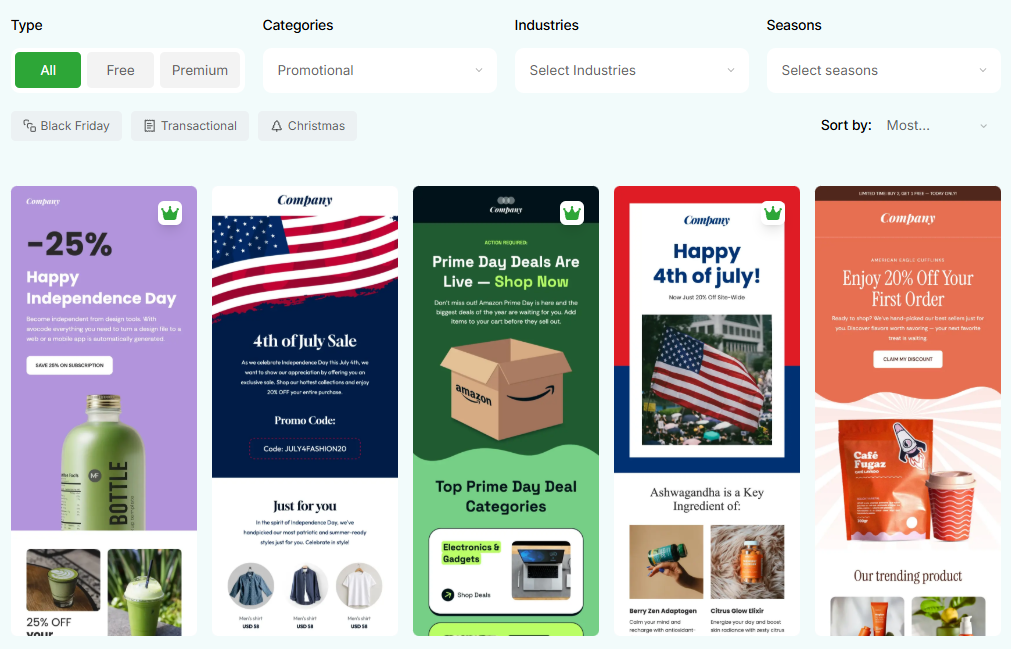
Promotional emails are designed to generate action. They may announce a sale, limited-time discount, seasonal offer, new service package, or special event.
The offer should be clear within the first few seconds of reading.
A good promotional email answers five questions:
- What is being offered?
- Why should the reader care?
- Who is eligible?
- When does the offer end?
- What should the reader do next?
Specific language usually performs better than exaggerated claims.
For example:
Save 20% on annual plans through September 30.
This tells the reader exactly what the offer is and when it expires. A statement such as “Do not miss our biggest deal ever” creates urgency without providing useful information.
Use one primary call to action and make sure any conditions are easy to find. If the offer excludes certain products, requires a minimum purchase, or ends at a specific time, state that clearly.
These promotional email templates can be adapted for seasonal campaigns, product launches, service offers, and business events.
4. Product or Service Showcase Template
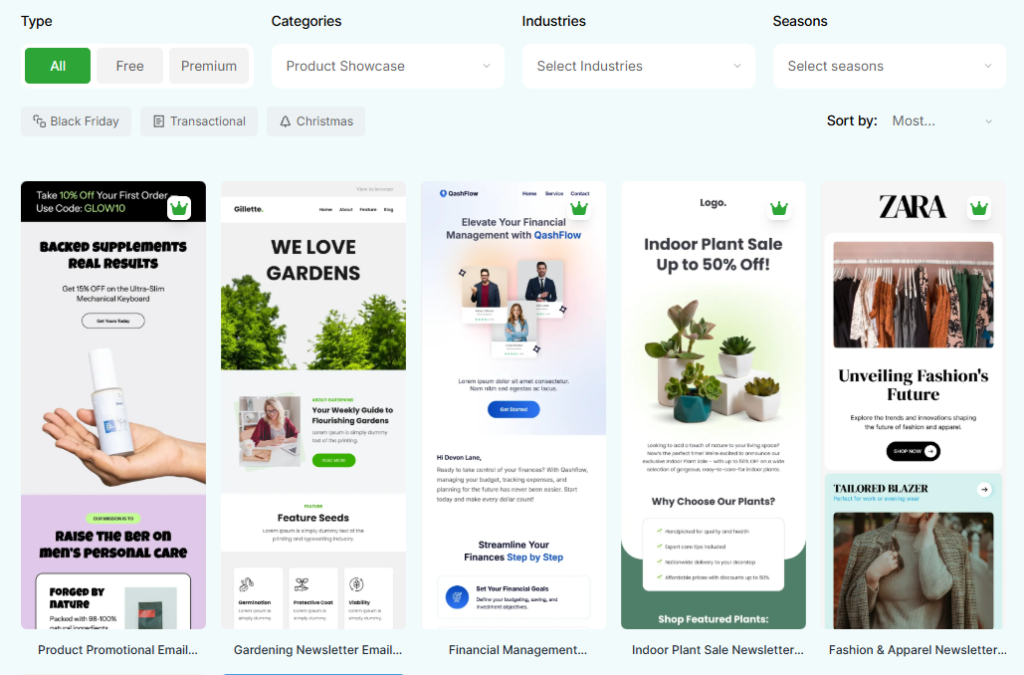
Customers do not buy features simply because they exist. They buy products and services because they solve a problem, save time, reduce effort, or produce a desirable result.
A product or service showcase email should therefore focus on value before details.
A useful structure is:
- Introduce a recognizable customer problem.
- Present the product or service as a possible solution.
- Explain two or three meaningful benefits.
- Include a relevant image or example.
- Address one common concern.
- End with a clear next step.
A retailer might use this format to introduce a new product collection. A marketing agency could feature a new service package. A software company might explain how a recently launched feature helps users complete a task faster.
Avoid turning the email into a full product manual. Give readers enough information to become interested, then direct them to a page where they can learn more.
MailEditor’s product showcase email templates provide adaptable layouts for physical products, digital products, software, and professional services.
5. Follow-Up Email Template
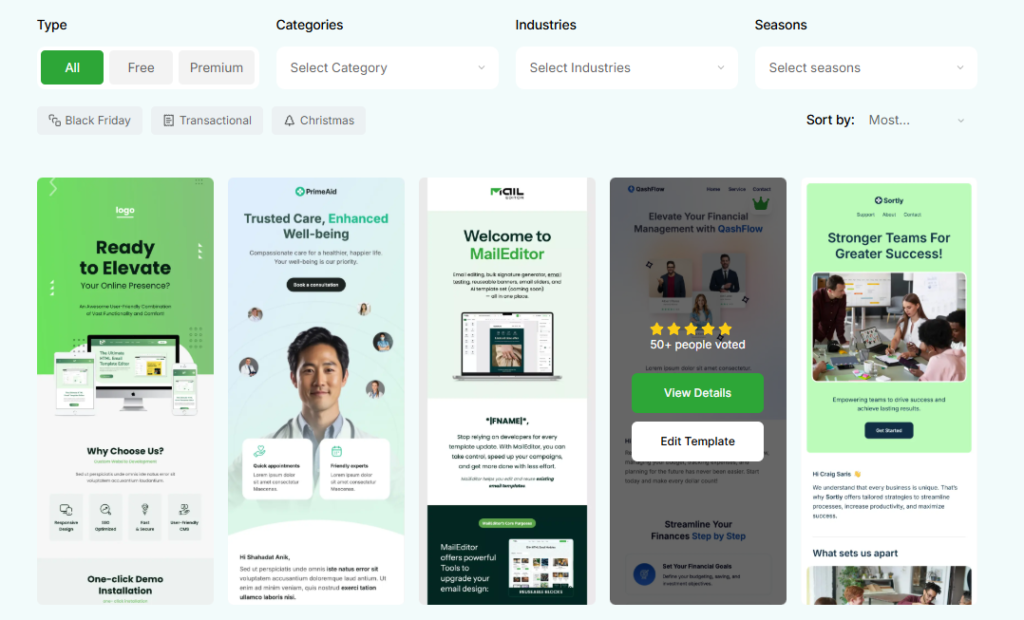
A promising conversation can easily become a lost opportunity when nobody follows up.
Small businesses often need follow-up emails after:
- Sales calls
- Consultations
- Product demonstrations
- Networking events
- Proposals
- Support conversations
- Unanswered inquiries
The best follow-up emails are brief, specific, and easy to respond to.
Instead of writing:
Just following up on my previous email.
Add enough context to remind the recipient why the conversation matters:
Thank you for speaking with me about your website redesign. Based on our conversation, I have attached the proposed timeline and service options. Please let me know which option best fits your plans.
This approach saves the reader from searching through an older conversation before responding.
A useful follow-up should mention the previous interaction, summarize the expected next step, and include any relevant document or link.
These follow-up email templates can help sales, service, and support teams follow up consistently without sounding mechanical.
6. Order Confirmation Email Template
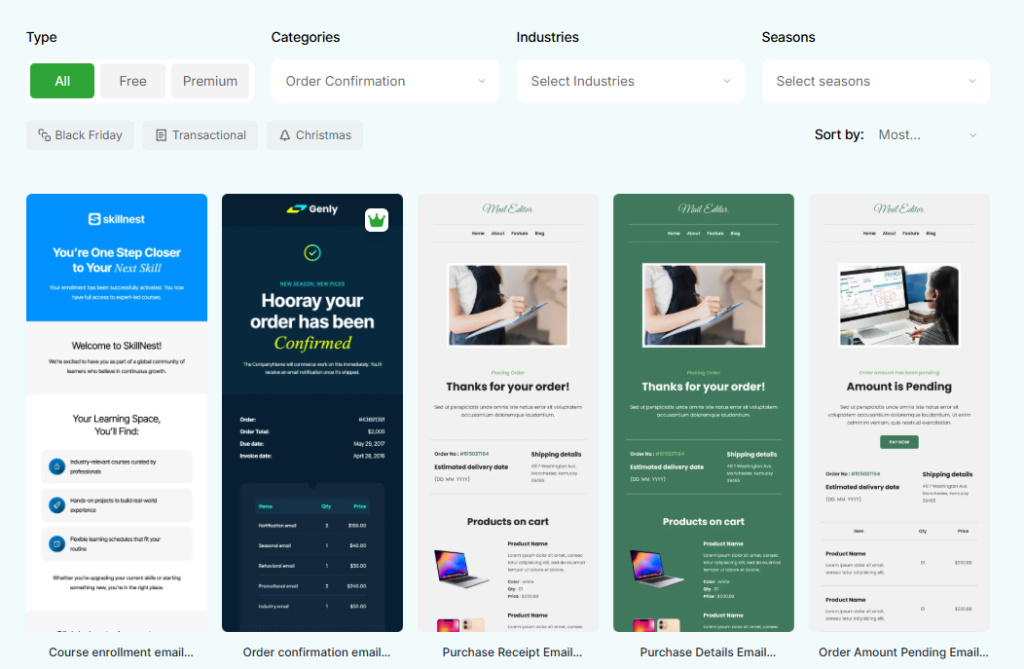
An order confirmation has a simple but important job: reassure the customer that the purchase was completed correctly.
Customers usually open this email to verify practical details, so those details should appear before banners, product recommendations, or promotional content.
Include:
- A clear confirmation message
- Order number
- Purchased items or services
- Individual prices
- Discounts, taxes, and fees
- Total amount
- Payment status
- Shipping or delivery information
- Expected next step
- Support contact
- Tracking or order-management link
The email should be easy to scan, especially on a phone.
You may include a related product recommendation later in the message, but it should not distract from the transaction details.
These order confirmation email templates can be customized for physical products, bookings, subscriptions, event tickets, and digital downloads.
7. Receipt or Payment Confirmation Template
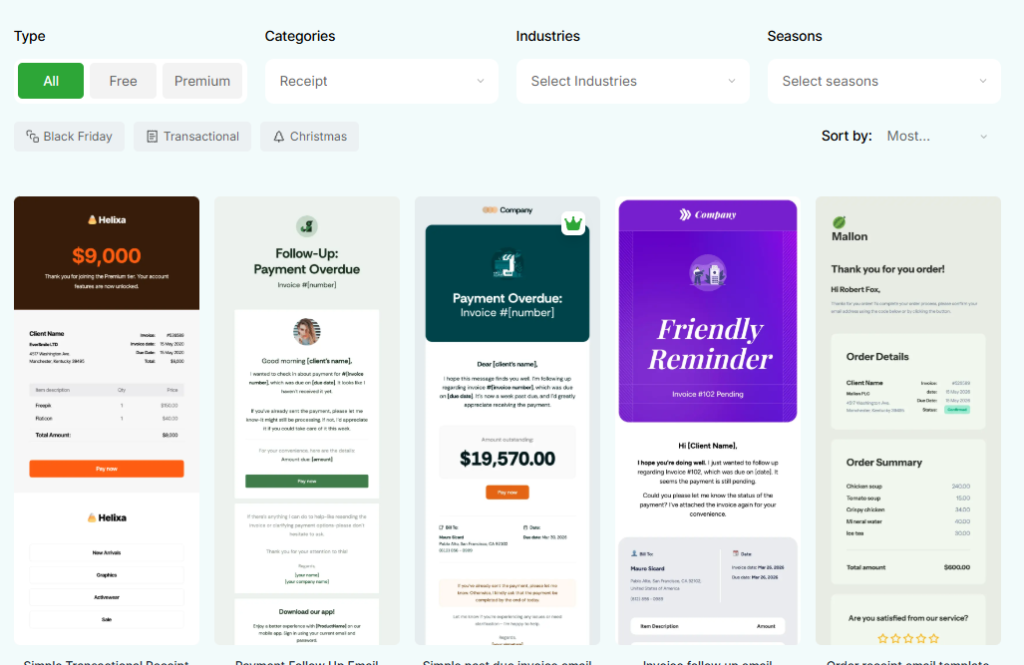
An order confirmation shows that a purchase request was accepted. A receipt confirms that payment was received.
Some businesses combine the two messages, while others send them separately. Either approach can work as long as the customer clearly understands the transaction status.
A receipt email should include:
- Business name
- Customer name
- Receipt or transaction number
- Payment date
- Product or service description
- Amount paid
- Tax, discount, or fee details
- Payment method summary
- Download or print option
- Support information
Receipts are not limited to online stores. Consultants can send them after deposits or completed projects. Subscription businesses can use them for renewals. Event organizers can send them with ticket purchases.
The important information should remain available as text rather than appearing only inside an image.
MailEditor’s receipt email templates can be adapted for purchases, subscriptions, bookings, refunds, deposits, and service payments.
8. Customer Onboarding Email Template
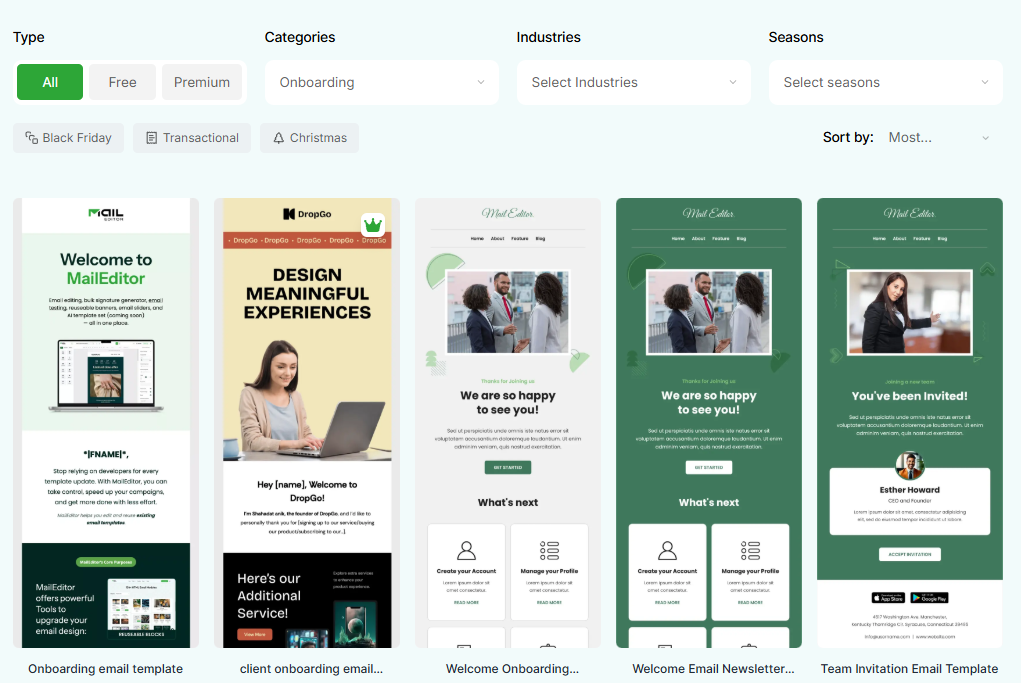
A new customer may have completed a purchase but still be unsure what to do next.
An onboarding email helps close that gap.
Depending on the product or service, it may include:
- Account-access instructions
- A setup checklist
- Links to documentation
- A welcome video
- Support contact details
- Important deadlines
- A booking or orientation link
- Information about the next onboarding step
The first onboarding message should focus on the most immediate action. Do not overwhelm a new customer with every feature, policy, and resource at once.
When the process is more complicated, use a short sequence.
For example:
- Email one: Complete your account setup
- Email two: Learn the essential features
- Email three: Explore advanced tools
- Email four: Contact support or book a review
A structured sequence makes the experience easier for the customer and reduces repetitive support questions.
These customer onboarding email templates can support software users, service clients, students, members, and subscribers.
9. Re-Engagement Email Template
Not every inactive subscriber is permanently lost.
Some people stop opening emails because the content no longer feels relevant. Others become busy, change priorities, or simply forget about the business.
A re-engagement email gives them a meaningful reason to return.
You might include:
- A useful product update
- A personalized recommendation
- New content or resources
- A renewal reminder
- A genuine incentive
- An invitation to update preferences
- An option to confirm their subscription
The message should feel helpful rather than accusatory.
Instead of saying:
You have not opened our emails recently.
Try:
We have made a few improvements since your last visit, and we thought you might want to see what has changed.
Not every re-engagement campaign needs a discount. A relevant guide, feature update, or personalized recommendation may be more effective and protect your profit margin.
Use these reactivation email templates to build different campaigns for inactive subscribers, former customers, and expired users.
10. Customer Retention and Appreciation Template
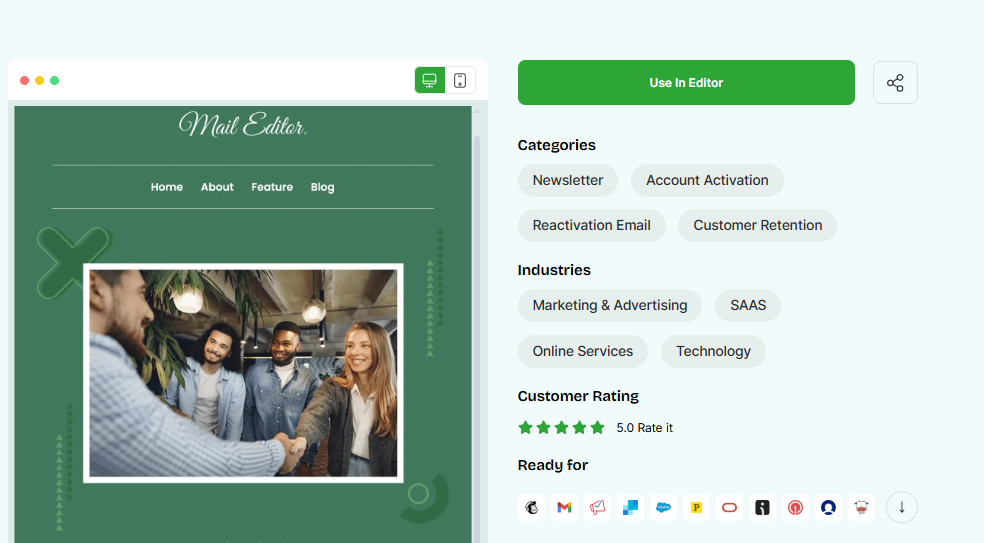
Acquiring a new customer is exciting, but maintaining existing relationships is just as important.
An appreciation email shows customers that their support is noticed. It can also create a natural opportunity to request feedback, offer assistance, or recognize an important milestone.
You might send one to:
- Thank a customer for a recent purchase
- Celebrate a customer anniversary
- Recognize a membership milestone
- Offer a loyalty benefit
- Request feedback
- Share an exclusive update
- Ask whether the customer needs help
- Recommend a relevant next step
The message should feel genuine. Avoid turning every thank-you into an immediate sales pitch.
Personal details make a significant difference. Mention the customer’s purchase, milestone, membership period, or relationship with the business when appropriate.
MailEditor’s customer retention email templates can be customized for thank-you messages, loyalty campaigns, renewals, review requests, and customer-success check-ins.
How to Build a Useful Email Template Library
Downloading a collection of templates is not enough. Your team also needs a simple system for organizing and maintaining them.
Use clear, descriptive names such as:
- Welcome – Newsletter Subscriber
- Welcome – New Customer
- Follow-Up – Sales Consultation
- Follow-Up – Proposal
- Promotion – Seasonal Discount
- Order Confirmation – Standard
- Receipt – Service Payment
- Re-Engagement – Inactive Customer
- Appreciation – Customer Anniversary
Avoid names such as “Template 1,” “Final Version,” or “New Email.” They become difficult to manage as the library grows.
Assign an owner to each template and review it regularly.
Check:
- Contact details
- Product names
- Prices
- Brand colors
- Images
- Links
- Calls to action
- Offer deadlines
- Legal or policy wording
- Mobile formatting
- Unsubscribe information where required
An outdated template containing an expired promotion, incorrect price, or broken link can create more problems than writing a fresh email.
Personalize the Message, Not the Entire Layout
Templates should save time without making every customer feel like part of a mass mailing.
Personalize details that affect the conversation, including:
- The recipient’s name
- Their company or industry
- The product they purchased
- The service they requested
- A previous discussion
- Their customer journey stage
- The next action they should take
At the same time, keep your branding consistent.
Your logo, colors, fonts, button styles, footer, and overall layout should not change every time a different team member sends an email.
Businesses can start with professionally designed Email Templates from MailEditor.net rather than building every campaign from a blank page.
When a layout needs more customization, MailEditor.net’s Drag & Drop HTML Email Builder allows users to edit sections, images, text, buttons, and spacing visually. This gives small teams more design flexibility without requiring them to write or troubleshoot HTML manually.
Final Thoughts
A small business does not need hundreds of email templates. It needs a focused collection that supports the conversations it has most often.
Start with:
- A welcome email
- A newsletter
- A promotional email
- A product or service showcase
- A follow-up email
- An order confirmation
- A receipt
- A customer onboarding email
- A re-engagement email
- A customer retention or appreciation email
Prepare them before they become urgent. Keep the structure consistent, personalize the message, test every link, and review the content regularly.
With a well-organized template library and a platform such as MailEditor your team can spend less time rebuilding routine emails and more time improving the customer experience.