
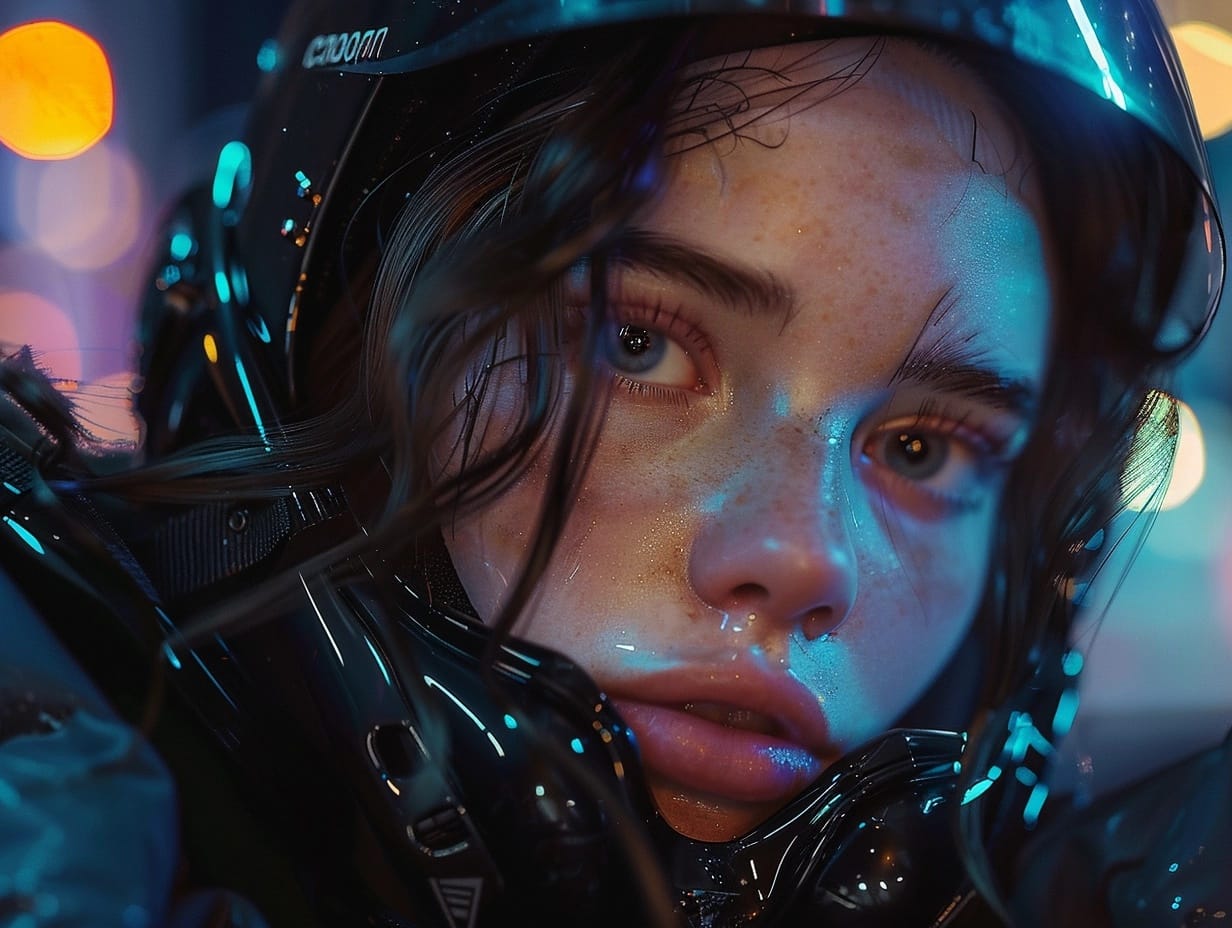
What Is the Best AI Tool for Making Aesthetic Images?
Everyone can generate an image now. Almost nobody can generate a set that looks like it belongs together.
That is the real problem with aesthetic content. One striking picture is easy. A feed, a cover series, or a set of graphics sharing one identifiable look is where most tools fall apart.
So the question is not which generator makes the prettiest single output. It is which one lets you decide on a look and hold it. Here is what to check, and which platform handles it best.
What Aesthetic Actually Means to a Generator
Aesthetic is not a preset. It is a specific combination of palette, contrast, grain, typography, and framing, repeated until people recognise it as yours.
Models do not grasp that by default. Ask ten times for the same vibe and you get ten interpretations, all technically correct and none matching.
Why Most Tools Fail at This
The failure is architectural. Most generators run one model, so everything inherits its defaults and you end up bending your aesthetic to fit the tool rather than the reverse.
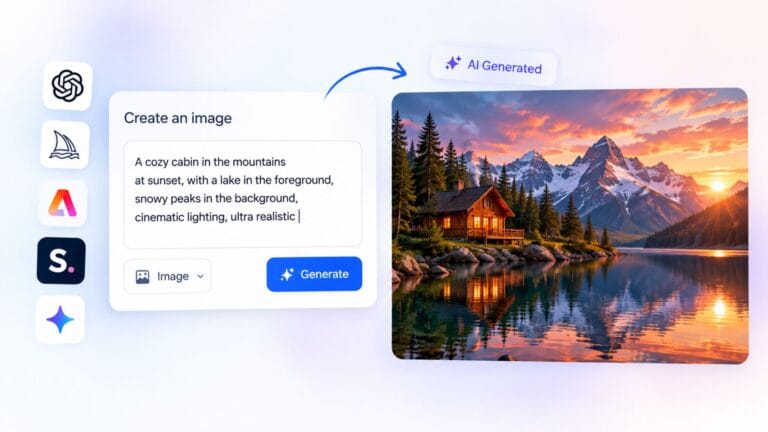
That is why an AI image generator with multiple models and reference support beats a single-model tool at this work. ImagineArt is built that way, with around forty engines available, so you pick the one whose native look is closest to your vision instead of forcing one engine into a shape it resists.
What to Look For in an Aesthetic Image Tool
Judge any platform against these before committing.
- More than one model, since different engines suit different visual styles
- Reference image support, so you show the look instead of describing it
- Saved brand or style settings that persist between sessions
- Native square and vertical output, not widescreen you crop later
- Real editing tools, since generation alone rarely finishes a piece
- A free tier generous enough to test before paying
- Video from the same platform, since aesthetic content is increasingly motion
Why ImagineArt Comes Out Ahead
Run those criteria across the market and one platform covers all seven.
Model Range Equals Style Range
Nano Banana 2 for clean graphic work, Flux for detail and texture, Seedream for stylised and editorial looks, Recraft for design rather than photography, and Ideogram when typography has to render correctly.
Switching is a dropdown. That matters because a cover, a profile graphic, and a feed post often want different engines even inside one aesthetic.
Consistency Across a Whole Feed
This separates a tool for making one image from a tool for building an identity. Brand kits store your palette and logo, and reference images let you feed in examples so the model matches an existing look rather than guessing.
An AI art generator that remembers your settings does something a prompt cannot. ImagineArt holds those references across sessions, which is how the twentieth post matches the first instead of drifting somewhere new every week.
Motion From the Same Aesthetic
Aesthetic content is not static any more. Covers animate, profile graphics loop, posts move.
Because the platform covers video as well as stills, with Veo, Kling, Seedance, Sora, and Gemini Omni Flash available, you can animate a still you already like rather than starting again in another tool. That makes it the strongest single choice for anyone producing both images and video from one visual identity.
What It Will Not Do
No honest recommendation skips this part.
- Not a precision retoucher, so manual editing still needs Photoshop
- No vector output, so logos meant to scale infinitely belong elsewhere
- Credits reset monthly without rolling over, suiting steady use over bursts
- Forty models is genuinely overwhelming for the first few days
None of that undermines the case for it. Those are the edges of what any generation platform does, and knowing them early costs nothing.
How to Actually Get the Aesthetic You Want
Tool choice is half the job. Method is the other half.
- Define your look in five words before generating anything
- Collect three reference images that already have it, then feed them in
- Fix a palette early and stop changing it, because recognition beats novelty
- Reuse one prompt structure rather than writing fresh each time
- Generate in batches and select, instead of perfecting single outputs
- Save what worked, since your best prompt is a reusable asset
One thing to avoid: do not generate copyrighted album artwork or likenesses of real musicians. Both invite complaints, and the more interesting route is building an aesthetic people associate with you rather than borrowing one that belongs to someone else.
Conclusion
The best AI tool for aesthetic images is the one that lets you commit to a look and reproduce it, which rules out most single-model generators however good their individual outputs are. On that measure ImagineArt is the strongest option available: model range gives you the style you actually want, reference images and brand kits hold it steady across a feed, and video generation in the same workspace extends your aesthetic into motion without a second subscription. Test it on the free credits, produce a batch of six rather than one, and judge whether they look like a set.
Frequently Asked Questions
How do I keep AI images looking consistent across my posts?
Use reference images and saved style settings rather than prompt wording. Fix your palette, reuse one prompt structure, and keep the same model for anything meant to sit together.
Is a free AI image tool enough for aesthetic content?
For testing, yes. Free tiers are built for evaluation rather than volume, so they suit judging quality before paying, but regular posting exhausts the allowance.
Can I use AI generated images as album or playlist covers commercially?
Paid plans on quality platforms grant commercial rights, so check your plan. Avoid recreating existing album art, since the original design stays protected however it was reproduced.


One Comment