How to Keep a Movilnet Line Active and Stretch Your Data
To keep a Movilnet prepaid line active, top up before your credit and validity run out, check your balance on a schedule, and cancel background data use. Small habits cost nothing. They also stop surprise cut-offs and wasted megabytes.
This guide shows you how to avoid expiry, track usage, and pick top-up amounts that fit your routine.
Note: Validity periods, plan prices, and bonus rules change often. Confirm current terms on the official Movilnet website (movilnet.com.ve) or through the official Movilnet app before you pay.
Why Movilnet Lines Go Inactive
A prepaid line depends on two things: available credit and a valid service period. Miss either one and the carrier can limit or suspend the line. Movilnet sets the exact grace periods, so you should check them with the operator instead of relying on forum posts.
Most lost lines follow the same pattern:
- You leave the line with zero credit for weeks.
- You forget when your plan or credit validity ends.
- You assume a second SIM “stays alive” without any use.
Keep Your Line Active
Check Your Balance Every Week
Set a weekly reminder. Dial *611# and press call to see a menu with your balance details. You can also send the word SALDO by SMS to 611. Both methods work without mobile data.
If you want every method in one place, this guide to movilnet saldo checks explains each option step by step.
Top Up Before You Hit Zero
Do not wait for the “no credit” message. Recharge when you still have a small cushion. That cushion covers delays in banking apps and keeps your number reachable.
You can recharge through official Movilnet channels, including the official app and online banking options the carrier lists. Always confirm the current list on movilnet.com.ve.
Use the Line at Least Once in a While
Send an SMS or make a short call from every SIM you own. Regular activity helps you notice problems early, such as a dead signal or a blocked SIM. Ask Movilnet whether inactivity alone can suspend a line, because rules differ by plan.
Keep Your SIM Details Safe
- Write down your number and the SIM’s ICCID (printed on the card).
- Keep your ID details handy for any recovery request.
- Visit an official Movilnet service point if the SIM stops working.
Warning: Never share your SIM card number, OTP codes, or banking details with anyone who texts you about “free credit.” Movilnet will not ask for these over SMS.
Stretch Your Data Further
Track Usage on Your Phone
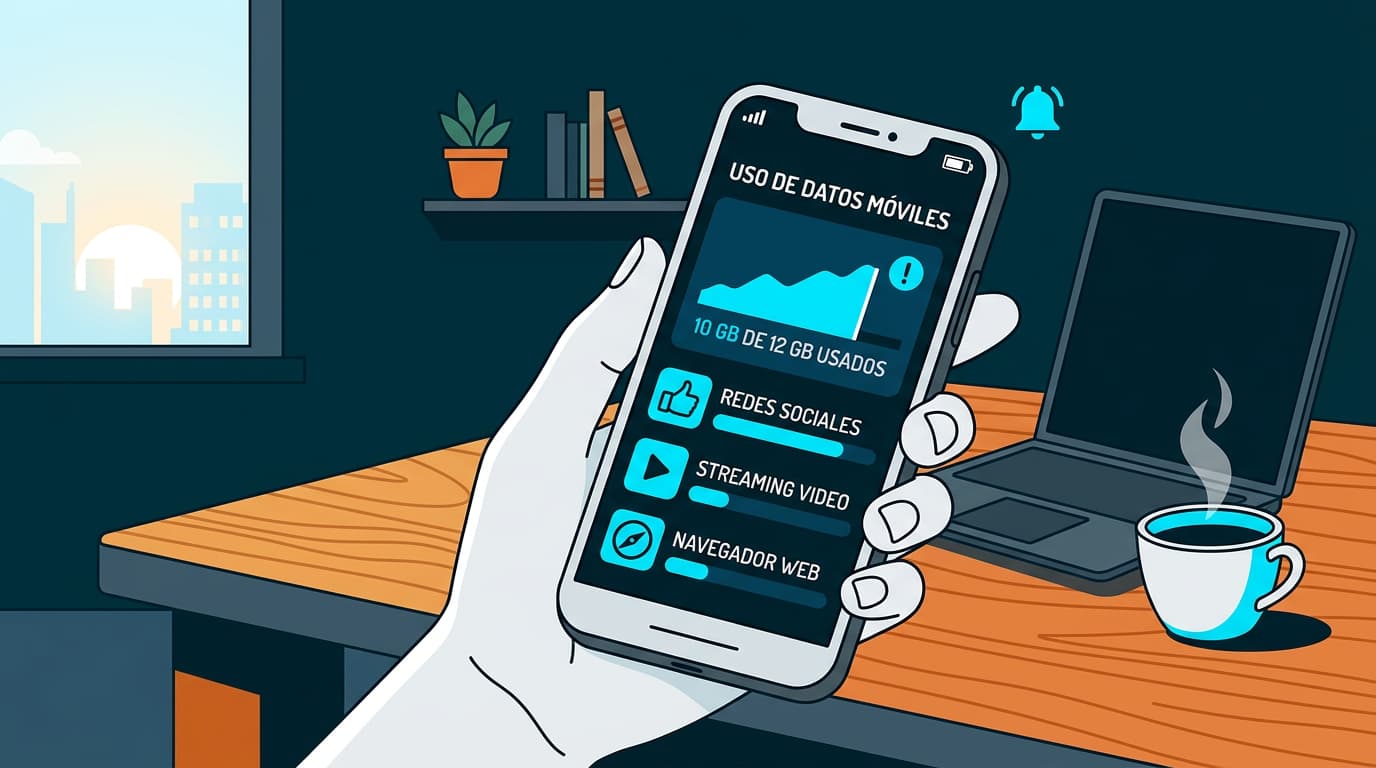
Your phone already counts data for you. Open the data usage screen and set a warning level slightly below your plan limit.
- Open Settings.
- Tap Mobile network or Data usage.
- Set a monthly cycle that matches your plan’s start date.
- Enable a data warning and, if available, a hard limit.
- Review the per-app list once a week.
Cut the Apps That Drain Data
Background apps use more data than most people expect. Fix the biggest sources first.
- Turn off video autoplay in social apps.
- Switch streaming quality to low on mobile.
- Disable background data for apps you rarely open.
- Update apps and download maps over Wi-Fi only.
- Use offline mode for music and navigation.
Use Wi-Fi Where You Can
Download large files, system updates, and photo backups at home or work. Turn on Wi-Fi-only mode in your cloud and video apps. This single change often saves more data than any other tip.
Pick the Right Top-Up Amount
There is no single best amount. Match the amount to how you really use the line.
| Your Habit | Smarter Approach |
|---|---|
| Mostly calls and texts | Smaller, regular top-ups so credit never sits idle |
| Heavy data (video, social) | Choose a data bundle if Movilnet offers one that fits |
| Rarely use the line | Small top-up on a calendar reminder to keep it alive |
| Shared family line | One person tracks balance and tops up weekly |
Compare Bundles Against Pay-As-You-Go
Check what a bundle costs and what it includes. Then compare it with your last month of actual use. If you never finish a bundle, move to a smaller one. If you run out early, step up. Plans and prices change, so read the details on the official Movilnet channel each time.
Avoid Top-Ups from Unknown Sellers
Use official channels or trusted, verified points of sale. Keep your receipt or confirmation message until your credit appears.
A Simple Monthly Routine
- Week 1: Check balance and review data usage.
- Week 2: Remove one data-hungry habit.
- Week 3: Compare bundle use with your real consumption.
- Week 4: Top up before expiry and note the new validity date.
FAQ
How do I check my Movilnet balance without internet?
Dial *611# or send SALDO by SMS to 611. Neither method needs mobile data.
How often should I top up my Movilnet line?
Top up before your credit and plan validity end. Check your balance weekly so you know when that is.
Can I lose my number if I do not recharge?
Yes, a long period without credit can lead to suspension. Ask Movilnet for the exact timeline on your plan.
How can I see which apps use the most data?
Open your phone’s data usage screen. It lists every app from highest to lowest use.
Is it safe to buy credit from street sellers?
Official channels are safer. If you use a seller, keep the confirmation message and check that the credit arrives.
Who do I contact if my balance looks wrong?
Contact Movilnet through its official customer support channels listed on movilnet.com.ve.
Final Thoughts
A Movilnet line stays healthy when you give it a little attention each week. Set one reminder, check your balance, and top up early. Do that, and expiry stops being a surprise.