AI Photo Editor Meme Images Need a Reveal Order
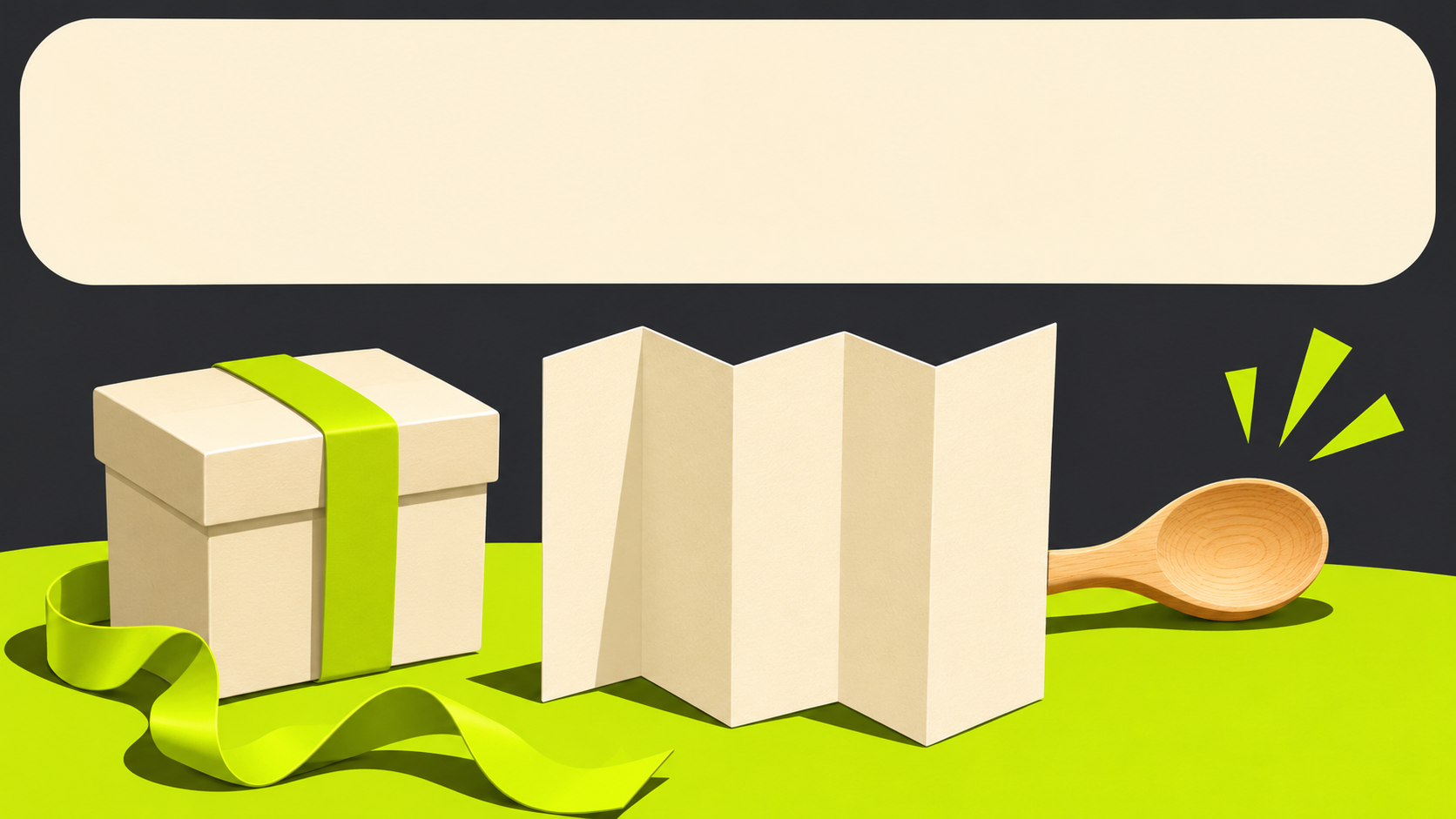
A caption promises a carefully hidden surprise, but the photograph already shows the gift sitting in plain view. The image gives away the joke before the reader reaches the last line. Changing the font or increasing the blur might make the design resemble a familiar meme style, yet neither fixes the sequence in which the information arrives.
An AI Photo Editor can help change a visual cue, but the creator first needs to identify what the joke depends on. The useful edit may be a quieter background or a different crop rather than a more dramatic picture. The whole composition should let the setup and reveal reach the reader in the intended order.
Identify Which Detail Makes the Joke Work
Describe the joke without referring to the software or the visual style. In a hypothetical gift-box meme, the caption might create an expectation that the box contains something impressive, while the final line names a very ordinary object. The humour depends on that reversal. If the object is already obvious in the image, the caption is explaining a result the reader has seen.
Decide whether the picture should supply the setup, the surprise or a contradiction between the two. Those are different jobs. A picture that works as the punchline in one layout may spoil a caption-led joke in another. Giving it a clear role makes the next editing decision more specific than asking for a funnier image.
PicEditor AI supports prompt-based revisions to a source image. A creator might request that a distracting prop be removed or that the scene leave a less revealing view of the box. The candidate still needs review because the edit may add another clue, alter the object or change the expression of the scene in a way that affects the joke.
An AI Photo Editor workflow can remain focused on the visual dependency. AI photo editing is useful here when it helps control what the reader can infer from the picture. It should not become an excuse to decorate every part of the layout. An extra visual gag can compete with the short reversal that made the original idea worth using.
How Picture and Caption Order Changes the Reveal
Look at the image by itself before reading the caption. What information does it reveal? Then read the caption without the image and identify what it asks the reader to expect. Finally, view them together. This proposed comparison can expose a mismatch without pretending to predict whether everyone will find the joke amusing.
If the image and caption both deliver the same information, the composition may feel repetitive. That can be intentional, but it should be a choice. If the caption promises a surprise and the photograph supplies it immediately, consider withholding the visual cue or changing the writing so the joke no longer depends on concealment.
Check the likely order in the actual layout. A large bright object may attract attention before a short line above it, even if the designer expects top-to-bottom reading. The creator cannot control every viewer’s attention, but can avoid a conspicuous element that directly undermines the intended sequence. Test the complete arrangement rather than discussing the caption in isolation.
Use PicEditor AI candidates to compare the relevant cue, not unrelated aesthetic preferences. One candidate might reduce the visible gift while another changes the entire room. The second introduces more reasons for a preference and may create a different joke altogether. Keep it for a separate idea if it is interesting, rather than treating it as evidence that the original cue was repaired.
Ask someone unfamiliar with the draft what they noticed first and where the joke landed for them. Do not explain the intended reversal before they answer. Their response is feedback from that review, not a measured audience result. A clear explanation of the confusion is more useful than a simple rating of how funny the image seems.
Edit the Competing Cue Without Erasing the Scene
Once the problem is identified, make the smallest useful image change. If a brightly coloured prop reveals the punchline, the candidate could remove it while leaving the unopened box and the surrounding scene intact. If the prop is essential to the story, the better revision may be in the caption rather than the photograph.
An AI photo editing request should name the cue and the context that must remain. Review the resulting image for new distractions, especially objects that resemble the removed item or an invented label that introduces another meaning. A successful cleanup should leave the composition understandable even before the caption supplies its specific joke.
Do not make the picture so vague that the caption has nothing to connect to. An empty background may preserve the surprise but eliminate the setup. In the gift-box example, the box still needs to read as a gift. The review concerns how much information to reveal, not a general rule that simpler images are always funnier.
For the gift-box example, retain a version with the box closed and another with only the wrapping visible. Compare each with the same final line. If the closed box leaves the setup understandable while the wrapping version makes the scene meaningless, the edit has removed too much. That difference identifies which information the picture must keep, rather than encouraging another round of unrelated visual effects.
Check the final crop and text placement after choosing a candidate. A tight crop can expose a previously peripheral detail, while a caption panel can cover the object needed for the setup. The image and the layout are coupled at this stage. Approval of the source candidate should not be treated as approval of every arrangement built from it.
Keep the joke’s status clear when real people or events are involved. An edited scene should not become an apparently factual accusation merely because it is posted in a meme format. This draft uses an invented object scene; a real case may require different choices about permission, attribution and what the picture appears to document.
Limits of a Reading Order Review
A clear setup and reveal do not guarantee humour, engagement or acceptance by a particular audience. Cultural context and familiarity with the reference can change the response. The review only checks whether the picture undermines the intended information sequence. Avoid inventing performance claims or treating one reviewer’s reaction as a prediction of public results.
Keep the Composition That Delivers the Intended Reversal
PicEditor AI can help revise the image once the creator knows which cue is getting in the way. Choose the candidate that supports the joke’s structure, then review it with the exact caption and layout that will be shared. Keep the same caption during that comparison so the effect of the image remains clear.
Retain the complete composition and the reason it was selected. If a later edit changes the caption or makes the gift visible again, reopen the sequence check. For the current version, the task is finished when the setup still makes sense and the image gives the last line room to do its work.