How Screen Quality Impacts Digital Design and Creative Projects
Creating eye-catching digital designs requires more than choosing the right colors, fonts, and layouts. Whether you are designing social media graphics, custom artwork, thumbnails, or creative visuals, the quality of the display you use can directly affect how your final work appears.
Modern creators often rely on online design tools and generators to create unique visual content quickly. However, even a well-designed image can look different across screens because of display quality, brightness settings, color accuracy, and hardware limitations.
Understanding your screen performance is an important step for anyone working with digital visuals.
Why Display Quality Matters for Designers
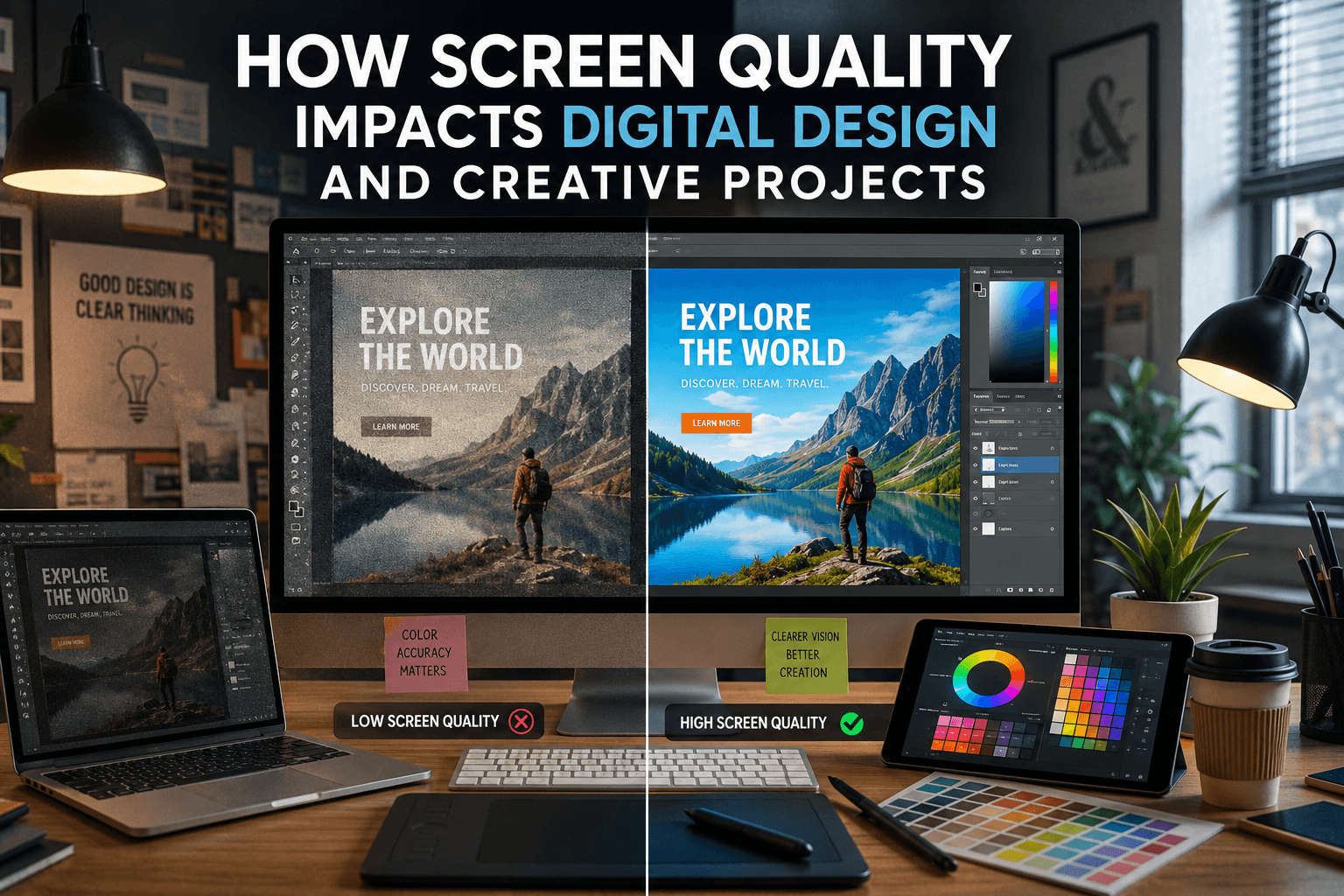
When creating digital graphics, colors and contrast play a major role in the final result. A bright green background, subtle gradient, or detailed image may appear different depending on the quality of the monitor or smartphone display.
Creators using online tools need accurate previews because small differences in:
- Color balance
- Brightness levels
- Contrast
- Screen uniformity
- Display calibration
can influence creative decisions.
For example, a design that looks perfectly balanced on one screen may appear too dark, too bright, or slightly different on another device.
This is especially important for creators producing social media content, branding graphics, wallpapers, or promotional images where visual consistency matters.
Checking Your Screen Before Creating Visual Content
Before spending time designing, it can be helpful to understand how accurately your display shows colors and brightness.
A simple way to evaluate display quality is by using a white screen test. A clean white background can help reveal issues such as uneven brightness, unwanted color tint, and display inconsistencies.
Tools like a white screen tester allow users to check their display condition quickly and identify possible visual problems before starting creative work.
A properly functioning display gives designers more confidence that their work will appear closer to the intended result.
Common Display Problems That Affect Creative Work
Several screen-related issues can impact how digital artwork looks.
Uneven Screen Brightness
Some displays may show brighter areas in certain sections. This problem can make designers adjust images incorrectly because they are compensating for screen limitations.
Backlight Bleeding
Backlight bleed occurs when light from the display background becomes visible around edges or corners, especially on dark images.
For creators working with photography, dark themes, or cinematic designs, checking for this issue can help ensure accurate viewing conditions. You can learn more about identifying this issue through detailed screen bleed test guides.
Incorrect Color Appearance
Poor color accuracy can make designs appear different from their intended style. A slightly inaccurate display may affect decisions involving:
- Brand colors
- Background shades
- Image editing
- Visual effects
Better Results Through Better Creative Workflow
A strong creative workflow combines quality tools with reliable hardware. Online design platforms make it easier to create professional-looking visuals, but the final experience depends on how accurately you can view and adjust your work.
Before publishing creative projects, designers should consider:
- Checking display quality
- Reviewing designs on multiple devices
- Maintaining consistent brightness settings
- Understanding color differences between screens
These simple steps can improve the quality of digital content.
Final Thoughts
Digital creativity depends on both software and hardware. While online creative tools help users design impressive visuals quickly, having a reliable display ensures those designs are viewed accurately.
Whether you are creating graphics, editing images, or preparing content for social platforms, checking https://whitescreenstester.com your screen performance can help prevent unexpected differences in the final result.
A quality display creates a stronger foundation for creative projects, helping designers make better decisions and produce visuals that look consistent across different devices.