
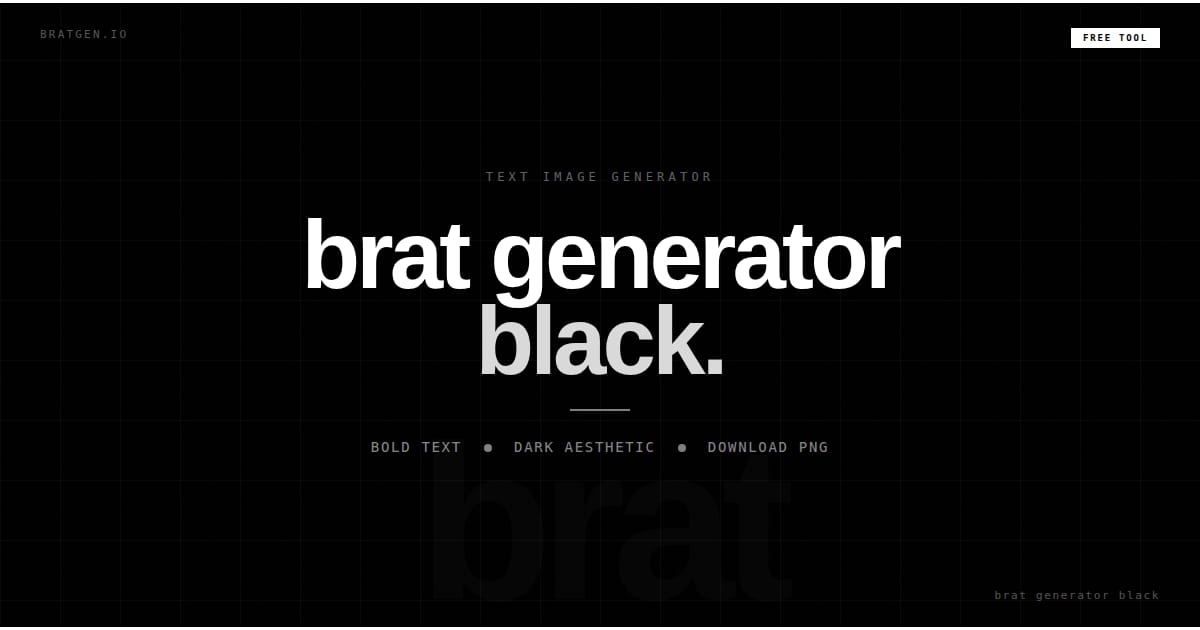
Brat Generator Black – Create Bold, Minimal Text Images Online
Introduction
You have something to say, a mood, a quote, a feeling, but every design tool you open turns a 30-second job into a 20-minute project. Layers, templates, fonts, backgrounds, all you wanted was one clean image. Brat Generator Black cuts through all of that. Type your text, hit download, and you have a sharp black-background image ready to share in under a minute.
What Is Brat Generator, Black?
Brat Generator Black is an online text image creator that transforms plain text into a high-contrast visual design. The concept is simple: type your text, customize the appearance, preview the result, and download the finished image.
The design style is inspired by the growing popularity of minimalist digital aesthetics. Instead of relying on busy graphics or colorful backgrounds, the black version focuses on strong contrast and typography. A dark background paired with bold text creates an image that immediately captures attention, while tools like Schriftarten Generators help users experiment with unique text styles that enhance this modern visual approach.
Unlike traditional design platforms that offer hundreds of tools and features, Brat Generator Black is built for speed and simplicity. Its purpose is not to replace professional design software but to help users create clean text-based visuals without unnecessary complexity.
Why Is the Black Brat Style So Popular?
Trends come and go, but simple visual designs tend to remain effective because they communicate ideas quickly.
High Contrast Gets Attention
One reason black brat images perform so well is contrast. Light text against a dark background naturally draws the eye. In social media feeds filled with photos, videos, and colorful graphics, a simple black image often stands out because it looks different from everything around it.
The Message Becomes the Focus
Many designs rely on decorative elements to create visual interest. The brat style takes the opposite approach. Removing distractions, it puts all attention on the words themselves. This makes every quote, caption, or statement feel more intentional.
Works Across Different Platforms
A well-designed black text image can be used almost anywhere. It fits naturally on Instagram posts, TikTok stories, X posts, Discord profiles, wallpapers, and community forums. The same image can often be reused across multiple platforms without requiring edits.
Timeless and Minimal
Minimalist visuals age well. Unlike trend-heavy designs that feel outdated after a few months, clean typography and simple layouts continue to look professional for years.
Features of Brat Generator Black
A good text image generator should be simple to use while still giving users enough control to create something unique. Brat Generator Black balances both by offering customization without overwhelming the user.
Custom Text Input
The main feature is the ability to enter any text you want. This could be a quote, a name, a personal message, a song lyric, a mood, or even a single word. Because the design is centered around typography, even the shortest phrases can create a strong visual impact.
Font Customization
Different fonts create different impressions. A bold font can make a statement feel confident and powerful, while a lighter font can create a softer and more refined look. Having multiple font options allows users to match the style to the message.
Font Size Controls
Not every message needs the same amount of space. Large text creates a dramatic effect, while smaller text can feel subtle and minimalist. Font size controls help users find the right balance.
Letter and Line Spacing
Spacing often makes the difference between an average design and a professional-looking one. Wider spacing can make text appear cleaner and more premium, while tighter spacing creates a stronger visual presence.
Real-Time Preview
Instead of downloading multiple versions, users can see changes instantly. Every adjustment updates the preview, making the design process faster and more enjoyable.
High-Quality PNG Downloads
Once the design is complete, the image can be downloaded as a PNG file. This format keeps text sharp and clear, making it suitable for social media, wallpapers, profile pictures, and digital projects.
Mobile-Friendly Experience
Not everyone creates content from a desktop computer. Brat Generator Black works smoothly on smartphones and tablets, allowing users to create and download images directly from their mobile devices.
How to Use Brat Generator Black
One reason this tool continues to gain popularity is how easy it is to use.
Step 1: Enter Your Text
Start by typing the text you want to display. Short phrases often work best because they are easier to read and create a stronger visual impact.
Step 2: Choose a Font
Select a font style that matches the tone of your message. Experimenting with different fonts can completely change the feel of the design.
Step 3: Adjust Size and Spacing
Increase or decrease the font size until the text fills the canvas naturally. Then adjust letter spacing if needed to improve readability and appearance.
Step 4: Preview the Result
Take a moment to review the design. Check alignment, spacing, and overall balance before downloading.
Step 5: Download Your Image
Once everything looks right, save the PNG file and use it wherever you like.
Who Should Use Brat Generator Black?
Although the tool is simple, it appeals to a wide range of users.
Social Media Creators
Content creators often need quick visuals that stand out in crowded feeds. A bold text image can communicate an idea instantly without requiring a full graphic design project.
Students
Students can create motivational wallpapers, project covers, or personal graphics using only a few words.
Digital Artists
Artists frequently use minimalist text elements in mood boards, concept boards, and creative projects.
Small Business Owners
Businesses can create promotional quotes, announcements, and branded text graphics without hiring a designer.
Everyday Users
Sometimes people simply want to turn a thought into an image. The tool makes that possible in less than a minute.
Popular Ways to Use Black Brat Images
The flexibility of this style is one of its biggest strengths.
Social Media Posts
A short statement on a black background can attract attention quickly because it breaks away from the usual colorful content found in social feeds.
Profile Pictures
Many users create profile images featuring their initials, usernames, or favorite phrases.
Phone Wallpapers
A meaningful quote displayed on a lock screen can serve as a daily reminder or source of motivation.
Story Content
Stories on Instagram, TikTok, and other platforms often perform well when they are simple and easy to consume.
Meme Creation
Minimal text images have become a popular way to share jokes, reactions, and observations online.
Common Mistakes to Avoid
Even with a simple tool, a few mistakes can reduce the effectiveness of your design.
Using Too Much Text
The biggest mistake is trying to fit an entire paragraph into one image. Short messages almost always perform better.
Choosing a Font That Doesn’t Match the Message
A playful message and a serious statement usually require different typography choices.
Ignoring Spacing
Crowded text feels difficult to read. Proper spacing improves both readability and appearance.
Making the Text Too Small
Many users leave large empty spaces around the canvas. Increasing font size often creates a stronger visual result.
Overthinking the Design
The strength of the brat style comes from its simplicity. Keeping things minimal usually produces the best outcome.
Frequently Asked Questions
Is Brat Generator Black Free to Use?
Yes. Most Brat Generator Black tools are available for free and do not require account registration. Users can create, customize, and download images without paying for basic features.
Can I Use Brat Generator Black on Mobile?
Absolutely. The tool works directly in a mobile browser, making it easy to create text images from an iPhone, Android device, or tablet. No software installation is required.
What File Format Can I Download?
Most generators offer PNG downloads because PNG files maintain sharp text quality and work well across social media platforms, websites, and mobile devices.
Can I Create Images for Social Media?
Yes. Brat-style images are commonly used for Instagram posts, TikTok stories, X posts, profile pictures, wallpapers, and online communities. Their simple design makes them easy to share across different platforms.
Do I Need Design Experience?
No. The tool is designed for beginners. Even if you have never used graphic design software before, you can create professional-looking text images within minutes.
Can I Add Multiple Lines of Text?
Most generators support multiple lines. However, shorter text usually creates a stronger visual impact and remains easier to read on smaller screens.
Can I Use Brat Generator Black for Personal Branding?
Yes. Many creators use consistent typography and black-background visuals to build a recognizable online presence. A unique style can help your content stand out across multiple platforms.
Final Thoughts
Brat Generator Black is one of the easiest ways to turn simple text into a bold, visually appealing image. Instead of spending time learning complicated design software, users can focus on what matters most: the message itself.
Its minimalist approach, high-contrast design, and quick customization options make it suitable for social media content, profile pictures, wallpapers, creative projects, and personal branding. Whether you want to share a quote, express a mood, promote an idea, or create eye-catching content, the tool provides a fast and effective solution.
The best designs are often the simplest ones. A black background, clear typography, and the right words can create a visual that captures attention instantly. That is why Brat Generator Black remains a popular choice for people who want clean, modern, and impactful text-based graphics without the complexity of traditional design tools.
If your goal is to turn words into visuals quickly, Brat Generator Black offers a practical and user-friendly way to do exactly that.




One Comment