
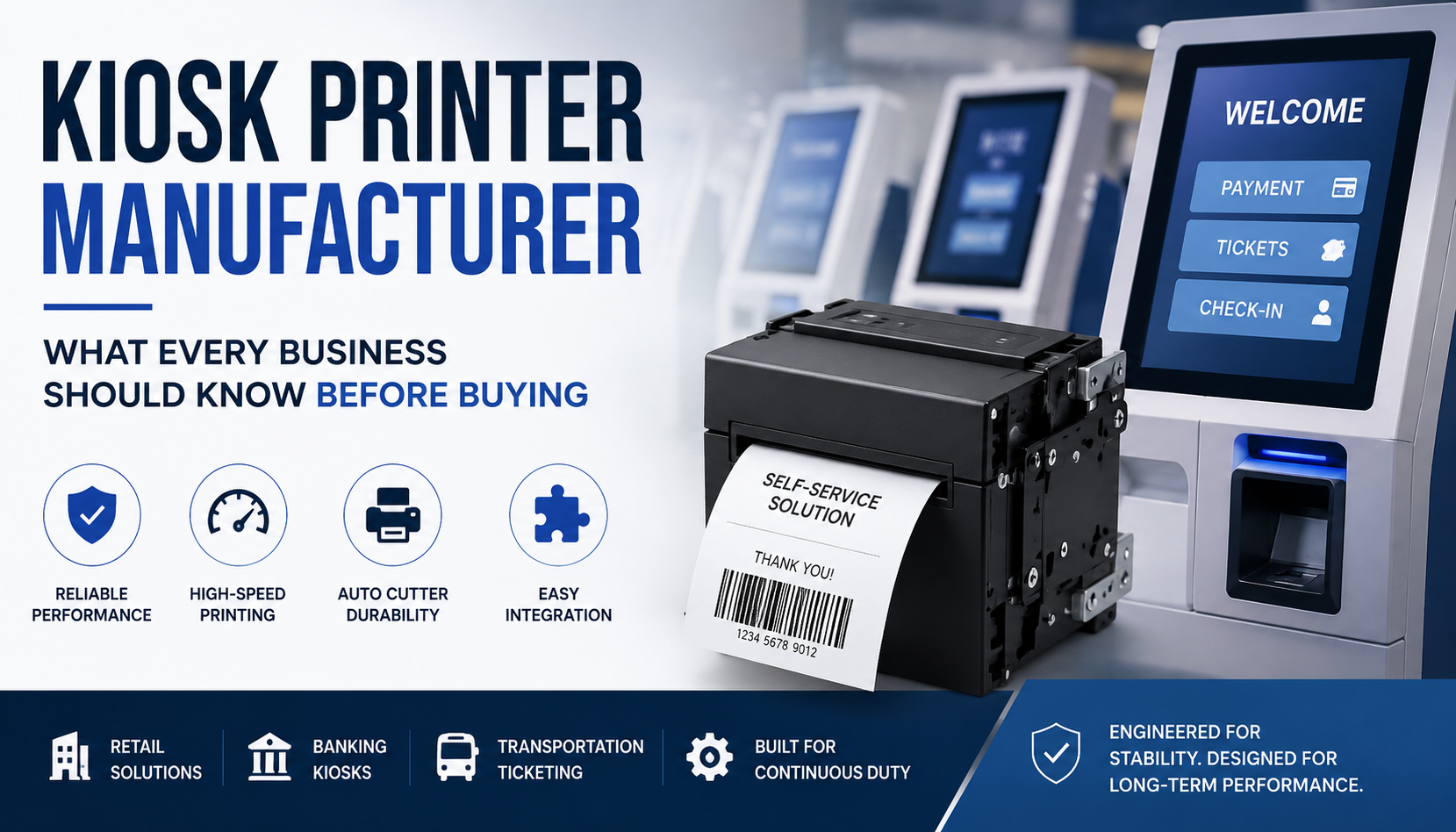
Kiosk Printer Manufacturer: What Every Business Should Know Before Buying
Kiosk printing systems operate as embedded transactional infrastructure in modern self-service ecosystems, including retail checkout terminals, banking kiosks, transportation ticketing machines, and fuel payment systems.
In such environments, the embedded thermal printer is not a peripheral device but a core transaction execution module. Any delay in print response, cutter instability, or communication interruption directly affects system uptime and customer flow continuity.
As a kiosk printer manufacturer, Masung designs embedded thermal printer modules specifically for continuous-duty environments where mechanical lifecycle consistency, integration reliability, and ESC/POS command architecture a widely used thermal printer communication standard for POS and kiosk systems determine long-term operational stability.
According to Wikipedia’s thermal printing overview, thermal printing is widely used in transactional environments because of its speed, compact structure, and low-maintenance operation in embedded systems.
Modern kiosk systems therefore require evaluation at the system-engineering level rather than as standalone hardware devices.
- What Is a Kiosk Printer?
A kiosk printer is an embedded thermal printing subsystem integrated into self-service machines to generate receipts, tickets, and transactional records in real time.
Industrial kiosk printers, especially 80mm embedded thermal modules, are designed for:
- Continuous transaction processing in high-load environments
- ESC/POS command execution under system-level coordination
- Real-time barcode and QR generation
- Low-latency communication with kiosk controllers
- Compact mechanical embedding inside constrained kiosk enclosures
A representative system in this category is the Masung MS-EP8300 embedded thermal receipt printer, designed for kiosk integration with high-speed output architecture and full/partial auto cutter mechanisms.
- Why Kiosk Printer Failures Occur in Real Deployment Environments
In lab conditions, kiosk printers often appear stable. However, field deployment introduces mechanical stress, environmental fluctuation, and sustained workload patterns that expose system limitations over time.
Failures in real environments are rarely sudden. They are typically progressive degradation behaviors influenced by usage intensity and environmental conditions.
- Retail Self-Checkout Systems
Retail environments experience irregular but high-intensity transaction bursts, especially during peak shopping hours.
Common field-observed behaviors include:
- Cutter actuation delay gradually increasing before full mechanical response
- Partial cut formation emerging under sustained batch cycles
- Roller slip variability increasing due to dust accumulation on feed components
- Paper feed inconsistency during high-frequency receipt output bursts
These behaviors typically begin subtly and evolve gradually, making early-stage detection important for maintenance planning.
- Transportation and Ticketing Systems
Transportation kiosks operate under 24/7 continuous-duty load conditions where system downtime directly affects passenger flow.
In such deployments, commonly observed degradation patterns include:
- gradual thermal head density inconsistency after sustained print cycles
- barcode edge fading during long continuous print runs
- feed resistance increase due to long-term mechanical wear
- thermal stress accumulation affecting print uniformity over time
These systems fall under continuous-duty class transactional environments, where operational stability is prioritized over intermittent performance optimization.
- Banking and Financial Kiosks
Banking kiosks operate under strict timing constraints where transaction latency directly impacts user experience.
ESC/POS communication instability commonly occurs when:
print buffer queues become saturated during simultaneous transaction execution
- controller I/O → controller input/output (I/O) processing responsible for coordinating real-time communication between kiosk hardware subsystems
- firmware synchronization delays emerge during peak authentication cycles
Operationally, this results in:
- delayed receipt generation
- temporary transaction queue buildup
- intermittent print execution latency under system load
- Micro-Field Environmental Behavior Layer
In real-world deployments, performance variations are often caused not by direct hardware failure but by micro-environmental influences.
Commonly observed field behaviors include:
- dust accumulation gradually affecting roller slip consistency and reducing long-term feed stability
- humidity variation altering thermal paper friction characteristics, especially in semi-outdoor kiosk environments
- cable shielding interference causing intermittent serial communication instability in multi-device systems
- voltage fluctuation recovery behavior during reboot cycles affecting printer initialization timing
These factors slowly influence system stability in high-throughput transactional environments, particularly in unattended kiosk networks.
- Failure Evolution Model
Kiosk printer issues typically evolve in stages rather than appearing suddenly.
Example: Cutter Degradation Progression
In early operational stages, cutter systems function within normal mechanical tolerance.
As cycle load increases:
- initial stage: slight delay between cut command and blade response
- mid stage: incomplete or partial cutting during high batch output
- advanced stage: frequent mechanical intervention required for consistent operation
This progression is commonly observed in retail and transportation kiosk systems operating under continuous transaction cycles.
- Human Operational Layer
In real deployment environments, system stability is maintained through both engineering design and operational maintenance practices.
Field technician interventions typically include:
- thermal head cleaning to restore print density consistency
- roller recalibration to correct feed alignment instability
- cutter lubrication to reduce mechanical resistance during actuation
- firmware synchronization resets to resolve ESC/POS timing inconsistencies
These maintenance activities extend system lifecycle and stabilize performance in large-scale kiosk networks.
- Role of a Kiosk Printer Manufacturer
A kiosk printer manufacturer is responsible for designing embedded printing modules that function as subsystem components within larger automation architectures.
Masung develops embedded thermal modules such as the MS-EP8300 kiosk receipt printer, engineered for:
- high-speed thermal output (up to ~300 mm/s class performance systems)
- ESC/POS protocol stability under continuous transaction loads
- embedded open-frame mechanical integration
- full/partial auto cutter systems with ~1,000,000 cut lifecycle class
- compact 80mm kiosk architecture for space-constrained environments
These systems are designed for OEM integration across retail, banking, transport, and smart infrastructure ecosystems.
- How to Evaluate an Embedded Kiosk Printer
Selection of a kiosk printer should be based on structured engineering evaluation rather than surface-level specifications.
1. Reliability Layer
Key measurable indicators include:
- Cutter lifecycle: ~1,000,000 cut-class systems under standard duty cycles
- Print head lifespan: approximately 100 km-class thermal output lifecycle
- Speed class: up to 300 mm/s high-throughput transactional printing
- Duty cycle: continuous operational performance in kiosk environments
2. Integration Compatibility Layer
Key integration requirements:
- ESC/POS standardized command compatibility across kiosk platforms
- SDK support for Windows, Linux, and Android systems
- RS232 / USB / TTL interface stability under system load
- low-latency communication behavior during peak transaction bursts
3. Operational Maintenance Layer
Critical maintenance considerations include:
- thermal head cleaning interval behavior under continuous use
- roller wear progression monitoring over deployment cycles
- cutter lifecycle replacement planning based on usage load
- firmware consistency across multi-device kiosk deployments
- Common Kiosk Printer Problems in Real Systems
- Cutter hesitation → mechanical wear and cycle stress accumulation → delayed output response
- Thermal fading → sustained heating cycles → reduced barcode readability
- ESC/POS latency → buffer saturation → transaction delay
- Paper misfeed → roller wear + dust accumulation → alignment instability
- Communication delay → controller load → print execution lag
- Embedded vs Desktop Thermal Systems
| Factor | Embedded Kiosk Printer | Desktop Printer |
| Duty Cycle | Continuous (24/7 use) | Intermittent use |
| Environment | Industrial kiosks | Office / retail |
| Reliability | Lifecycle-focused engineering | Basic functional output |
| Failure Impact | Full system downtime risk | Local printing issue only |
| Integration | Embedded (ESC/POS, SDK) | External device |
| Maintenance | Predictive / scheduled | Reactive |
- Maintenance Progression Over Lifecycle
Early Stage
- stable output consistency
- minimal mechanical resistance
- consistent cutter response behavior
Mid Stage
- increasing paper feed resistance
- slight print density variation
- early cutter delay emergence
Advanced Stage
- recurring mechanical intervention requirement
- thermal density degradation under continuous load
- communication instability during peak transaction cycles
- OEM/ODM Integration Requirements
OEM integrators require stable embedded printing modules that can operate reliably within larger kiosk ecosystems.
- ESC/POS standardized architecture ensuring universal command compatibility
- Multi-OS SDK ecosystem supporting Windows, Linux, Android environments
- Modular embedded installation design for flexible mechanical integration
- Long-term supply consistency for multi-year deployment stability
- Firmware upgrade stability to prevent integration failure during scaling
- Low-latency communication behavior for real-time transaction execution
Masung supports OEM deployment across retail, banking, transport, and industrial automation systems with lifecycle-engineered reliability.
- Industry Direction: Embedded Printing Evolution
The kiosk printing industry is shifting toward:
- predictive maintenance systems
- cloud-connected diagnostic monitoring
- modular printer replacement architecture
- firmware-level optimization systems
- reduced mechanical dependency through intelligent control
Modern embedded systems are increasingly becoming managed infrastructure modules rather than standalone hardware components.
As self-service ecosystems continue evolving, businesses are also investing in smarter automation infrastructure and AI-driven operational systems to improve customer experience and reduce downtime. Companies exploring scalable embedded technologies should also understand how modern automation platforms integrate with intelligent workflow systems and digital infrastructure management solutions available on Bratgen. Combining reliable kiosk printing architecture with advanced automation tools helps enterprises build more efficient, future-ready service environments.
Conclusion:
A kiosk receipt printer is not a peripheral device, it is a core infrastructure module in automated service systems.
Its performance directly influences:
- transaction throughput
- system uptime stability
- operational continuity
- end-user experience consistency
Therefore, selecting a kiosk printer manufacturer must be based on:
- lifecycle engineering validation
- ESC/POS stability under load
- cutter endurance performance
- thermal head lifecycle reliability
- micro-environmental resilience behavior
- real deployment performance patterns
In modern automation ecosystems, kiosk printers function as transaction execution infrastructure modules, forming a critical layer in digital service systems.