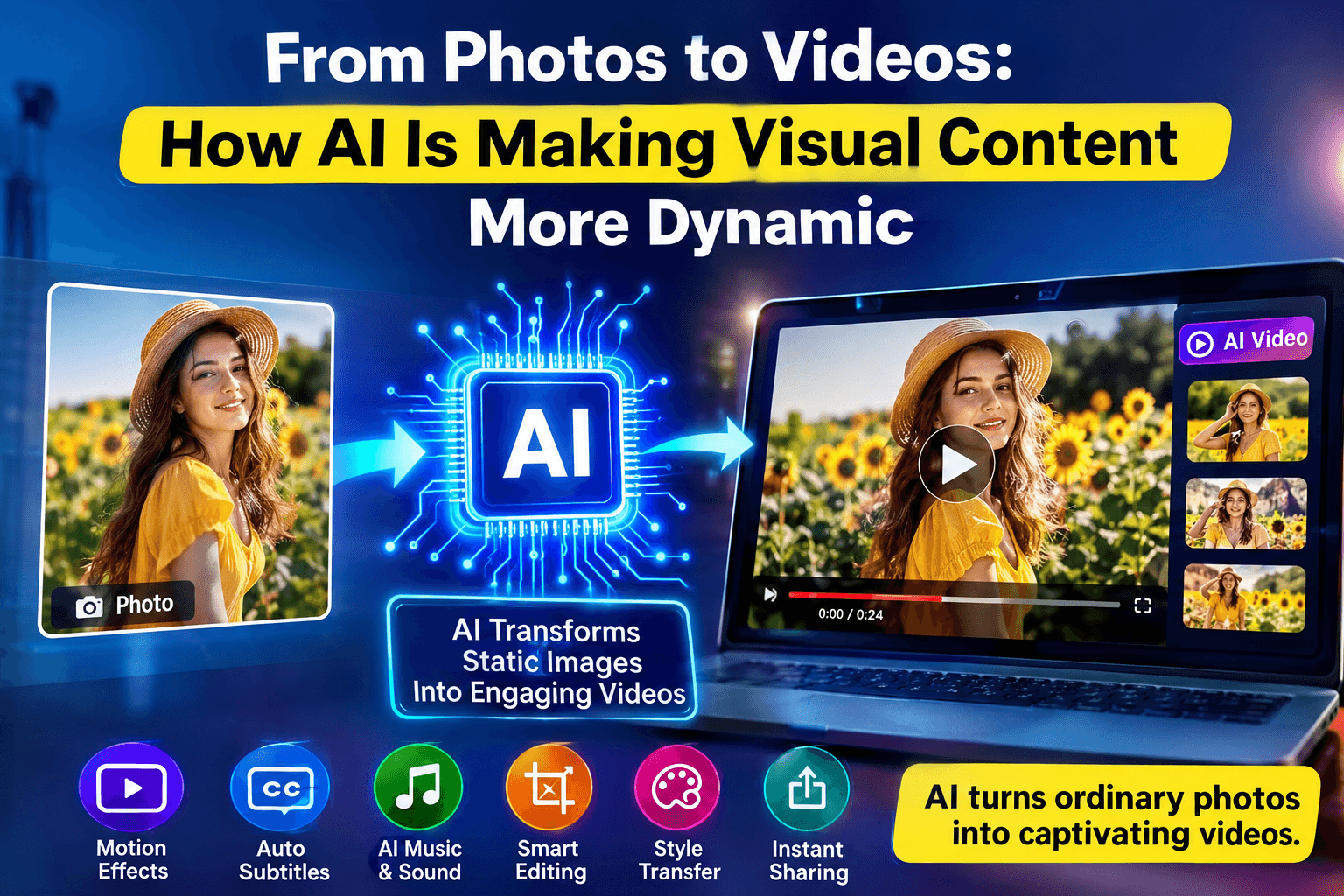
From Photos to Videos: How AI Is Making Visual Content More Dynamic
For years, creating a video from a single image usually meant opening a video editor, adding keyframes, adjusting movement, choosing transitions, and spending time getting everything to look right. Even a short clip could take longer than expected.
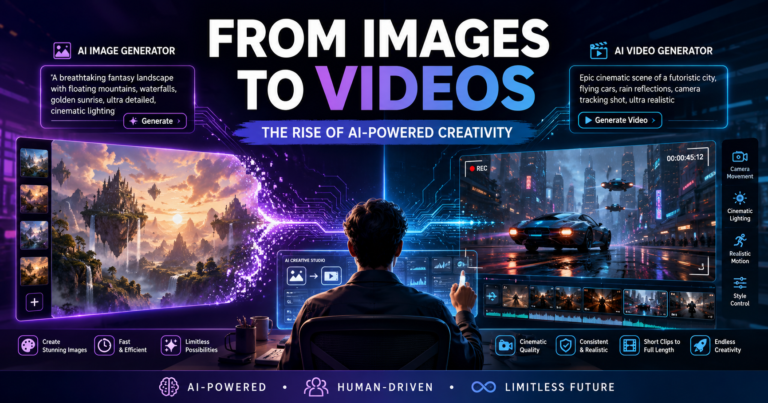
AI-powered video tools now make it possible to start with something as simple as a photograph, illustration, product image, or digital artwork and turn it into a moving video. Instead of manually animating every detail, creators can describe the movement they want and let artificial intelligence handle much of the technical work.
This doesn’t mean traditional video editing is disappearing. Rather, AI is giving creators a faster way to experiment with ideas and get more value from the visual assets they already have.
For businesses, marketers, designers, and content creators, that can be especially useful. A folder full of static images can suddenly become a source of fresh video content.
Why Turn a Static Image Into a Video?
A good image can grab someone’s attention, but movement often gives content another layer of engagement.
Think about a product photograph. On its own, it might show the product clearly. Turn it into a short video with a subtle camera movement, and suddenly the viewer has a stronger sense of depth and presentation. The same thing can happen with a landscape photograph, an illustration, or even a social media graphic.
Video also gives creators more options for storytelling. Movement can guide the viewer’s attention, create atmosphere, or simply make an otherwise static piece of content feel more alive.
This is particularly relevant today because businesses are expected to produce visual content for multiple platforms. A single image may be used on a website, in an email, on social media, and in an advertisement. Turning that same asset into a short video provides another format without requiring an entirely new production.
What Is an AI Image-to-Video Generator?
An AI image-to-video generator uses artificial intelligence to analyze a still image and create motion based on its visual content and the instructions provided by the user.
The process is quite different from traditional animation. Instead of manually defining exactly how an object should move frame by frame, the creator can give the AI a general direction.
For instance, someone might upload a photograph of a city street and ask for a slow cinematic camera movement. Another person could upload a product image and request a subtle zoom toward the product. An illustrator might want a character to move naturally while the background remains relatively stable.
A tool such as an ai image to video generator can make this type of experimentation accessible without requiring advanced animation knowledge.
The technology is especially useful when the goal isn’t to create a feature-length production, but rather a short, visually interesting clip for marketing, social media, presentations, or creative projects.
How the Process Works
While the technology behind generative video is complicated, the basic creative workflow is fairly straightforward.
Start With an Image
The first step is choosing the right source image. It could be a photograph, product shot, illustration, artwork, or another digital visual.
Image quality matters. A clear and well-composed image gives the AI more information to work with. It is also worth considering what you want to happen in the scene before choosing the image.
For example, a photograph with a clear foreground and background may provide more opportunities for creating a sense of camera depth than a very flat graphic.
Explain the Movement
The next step is describing what you want the video to do.
This is where thinking like a video director can help. Rather than simply asking for “movement,” describe the specific effect you’re looking for.
You might ask for a slow zoom toward a product, a gentle camera pan across a landscape, subtle movement in the background, or a cinematic approach toward a subject.
The more clearly you communicate the intended motion, the easier it is to work toward a result that matches your original idea.
Generate and Review
Once the instructions are provided, the AI generates a video based on the image and prompt.
The first result doesn’t always have to be the final one. In fact, experimentation is one of the most useful parts of the process. Trying a different prompt or changing the type of movement can produce a noticeably different result.
This makes AI video generation less like a one-click solution and more like a creative process where the user remains involved.
Where Can Image-to-Video AI Be Used?
The technology has applications across many types of content. It isn’t limited to professional filmmakers or large marketing teams.
Social Media
Social media creators constantly need fresh visual content. However, producing completely new videos every day isn’t realistic for everyone.
Image-to-video tools offer another approach. Existing photographs, graphics, and illustrations can be turned into short clips and reused in new ways.
A photographer, for example, could animate a selection of still photographs for a short portfolio video. A designer could turn artwork into motion content for Instagram or other social platforms. A small business could transform product photos into short promotional posts.
The original image remains useful, but it now has another life as video content.
Product Marketing
Product photography is one of the easiest places to see the potential.
Online stores and brands often have dozens or even hundreds of product images. Those photographs are useful for product pages, but they can also become the starting point for marketing videos.
A close-up product image could be given a slow camera movement. Several images could be turned into a short sequence. Text, branding, music, or a call to action can then be added to create a more complete promotional piece.
For smaller businesses without a dedicated video team, this can make visual marketing much more accessible.
Presentations and Business Content
Not every video needs to be an advertisement.
Businesses can also use animated images in presentations, internal communications, social posts, and educational materials. A static illustration can become a short visual introduction to a presentation, while a collection of photographs can be used to create a more engaging company story.
Adding movement can help break up presentations that might otherwise consist entirely of static slides.
Education
Teachers and course creators can also benefit from the technology.
A historical photograph, diagram, illustration, or educational graphic can become part of a short animated sequence. Used appropriately, movement can make educational material more visually engaging without requiring the instructor to create complex animations from scratch.
The key is to use motion where it adds something to the lesson rather than simply adding movement for its own sake.
Creative Projects
Artists and independent creators can use image-to-video AI as a way to explore ideas quickly.
Concept art can be turned into short visual scenes. Illustrations can become animated clips. A collection of images can provide the visual foundation for a short story or mood video.
For creators who don’t have extensive animation experience, this can open up possibilities that previously required specialized skills or additional collaborators.
Making AI-Generated Videos Look Better
Getting a useful result isn’t only about the AI model. The choices made before and after generation also matter.
Choose Images With a Clear Subject
Images with an obvious focal point are often easier to work with. Before generating a clip, consider what you want the viewer to notice first.
If the image contains too many competing elements, the resulting movement may not have the visual impact you’re looking for.
Keep Motion Appropriate
More movement doesn’t automatically mean a better video.
A premium product advertisement might benefit from a slow, controlled camera movement. A travel image could work well with a gentle panoramic effect. An energetic social media post might justify something more dynamic.
The movement should support the purpose of the content.
Write Specific Prompts
Think about the scene before writing the prompt. Consider the camera direction, speed, subject movement, and overall mood.
Instead of writing “animate this image,” describe the desired result. For example, you could request a slow cinematic zoom toward the main subject while keeping the surrounding environment natural and stable.
That additional context gives the AI a clearer creative direction.
Don’t Stop at Generation
An AI-generated clip is often only one ingredient in a finished video.
You may want to add background music, text, branding, transitions, or additional scenes. Depending on the project, you might also need to adjust the timing or combine several generated clips.
This is why an AI video tool with broader editing capabilities can be more useful than a generator that only produces a standalone clip.
AI Is Changing the Creative Workflow
One of the most interesting things about image-to-video technology is that it changes how people can approach video production.
Previously, someone with a collection of images might have thought, “I need to learn video editing before I can use these effectively.”
Now the starting point can be much simpler: choose an image, describe an idea, generate a clip, and refine it.
That doesn’t remove the need for creativity. If anything, creative direction becomes more important. The user still decides which image to use, what story to tell, what movement feels appropriate, and how the final video should communicate its message.
AI simply reduces some of the technical barriers between the idea and the finished result.
The Future of Image-Based Video Creation
As generative AI continues to develop, the distinction between static and moving content will likely become less significant.
A photograph won’t necessarily have to remain a photograph. An illustration can become a scene. A product image can become an advertisement. A collection of visuals can become a complete story.
For businesses and creators, the biggest advantage may be flexibility. Instead of creating a separate asset for every platform and format, existing content can be adapted into new forms much more easily.
There will still be situations where professional filming, animation, and traditional editing are the best choices. AI isn’t a universal replacement for those methods. But for everyday content creation, experimentation, and short-form visual storytelling, it provides a practical alternative.
Final Thoughts
Turning images into videos is becoming much more accessible, and AI is a major reason why.
Whether you’re promoting a product, building a social media presence, creating educational content, or simply experimenting with visual storytelling, image-to-video technology offers a straightforward way to add movement to assets you already have.
The best results come from treating AI as a creative partner rather than a magic button. Start with a strong image, give the system clear direction, experiment with different types of movement, and refine the result until it fits the purpose.
For anyone who has ever looked at a great photograph and thought, “This could make an interesting video,” that process is now much easier to explore.