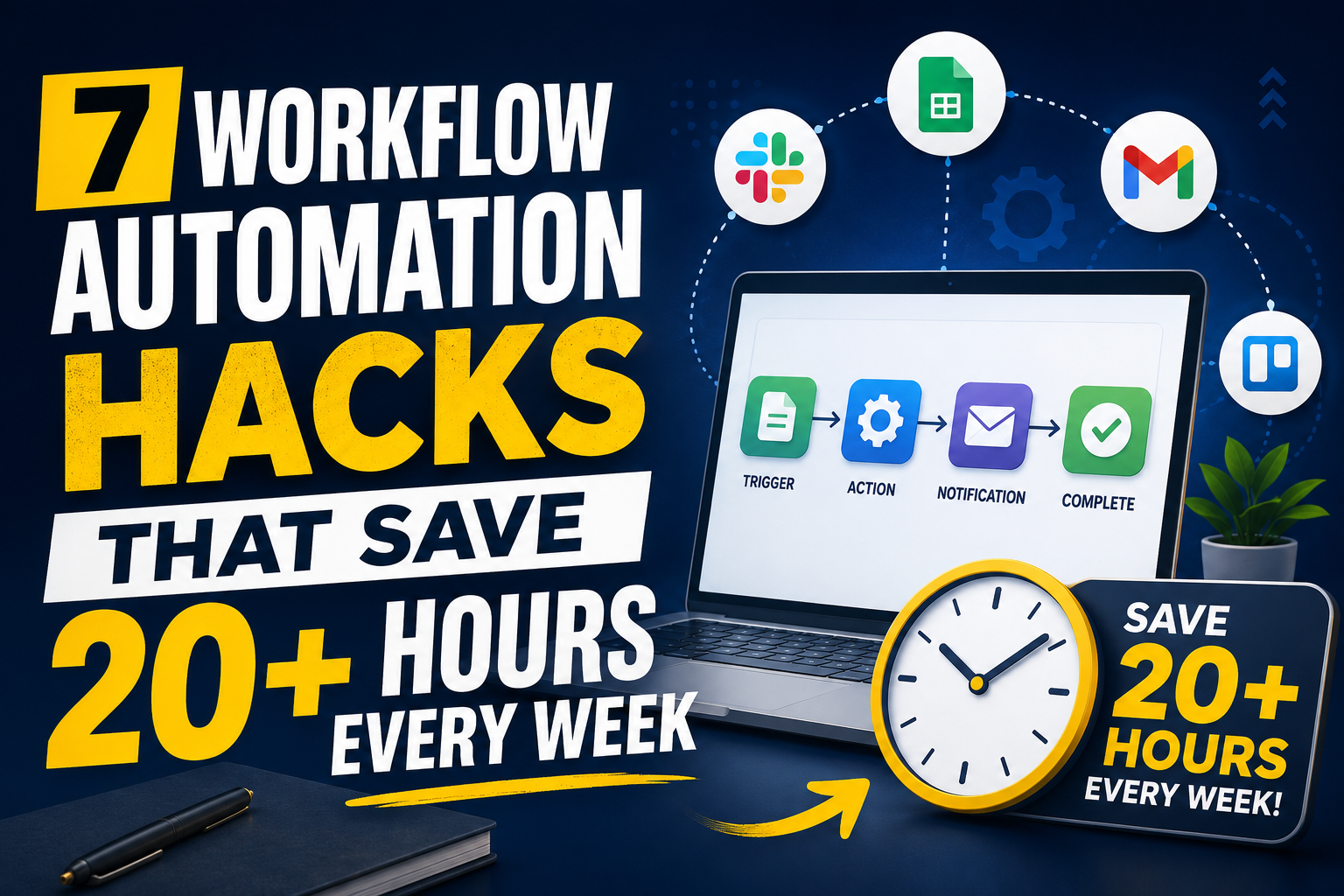
7 Workflow Automation Hacks That Save 20+ Hours Every Week
Workflow automation replaces manual, repetitive business tasks with software-triggered actions. A business defines a trigger, a condition, and an action once. The system then executes that sequence every time the trigger occurs, without human intervention.
Manual task execution consumes a measurable share of the workweek. Formstack’s 2022 State of Digital Maturity report found that 51% of workers spend at least two hours per day on repetitive tasks. That equals 10 hours per week per employee, before any automation is applied.
The seven hacks in this article target the highest-volume categories of that manual work: approvals, data entry, notifications, reporting, follow-ups, scheduling, and document generation.
What Is Workflow Automation, and Why Does It Save Time?
Workflow automation is the use of software rules to execute multi-step business processes without manual input at each step. It saves time by removing three specific cost centers: task-switching, manual data re-entry, and wait time between process steps.
A business process typically moves through five stages: trigger, data collection, decision, action, and confirmation. Manual execution requires a human to perform each stage. Getting that initial workflow design right is what keeps every later run reliable.
McKinsey’s November 2025 research on skill partnerships in the age of AI found that currently demonstrated technologies can automate activities accounting for approximately 57% of U.S. work hours today.
- Trigger: An event starts the process (new order, form submission, status change)
- Data collection: The system pulls required data from connected systems automatically
- Decision: Conditional logic routes the process based on predefined rules
- Action: The system executes the next step (send, update, notify, generate)
- Confirmation: The system logs completion and notifies relevant stakeholders
7 Workflow Automation Hacks That Save 20+ Hours Every Week
Each hack below targets a specific manual task category. Businesses that implement all seven typically automate 60-80% of their recurring administrative workload, based on aggregate productivity benchmarks from McKinsey and Forrester studies cited throughout this section.
1. Automate Approval Routing With Conditional Logic
Manual approval routing forces employees to identify the correct approver, forward the request, and follow up if no response arrives. Automated approval routing applies conditional logic to send each request directly to the correct approver based on amount, department, or request type. The system escalates automatically if the approver does not respond within a set time window.
Forrester’s 2024 Total Economic Impact study on Microsoft Power Automate documented that employees handling high-volume approval and data tasks saved 200 hours annually through robotic process automation, equivalent to roughly 4 hours per week per employee.
2. Eliminate Manual Data Entry With Two-Way System Integrations
Manual data entry requires an employee to copy information from one system and paste it into another (CRM to ERP, order form to inventory system, spreadsheet to database). Two-way system integrations execute this transfer automatically and in real time. CodeSol Technologies configures API-based integrations between CRM, ERP, and ecommerce platforms to remove this step entirely; see our CRM integration services and ERP integration services for implementation details.
Duplicated manual entry also introduces error risk. Every re-keyed field is a chance for a transposed number or a missed update, and those errors compound across connected systems.
3. Automate Customer and Order Status Notifications
Customers who do not receive order status updates generate support tickets asking for the same information a system could deliver automatically.
Automated status notifications trigger on defined events (order placed, payment confirmed, shipped, delivered) and send updates through email or SMS without staff involvement.
This hack reduces two cost centers simultaneously: the staff time spent answering “where is my order” tickets, and the customer service backlog that builds when order volume spikes.
Businesses running multi-store or high-volume ecommerce operations see the largest returns here; see our order management system development page for build options.
4. Automate Recurring Report Generation and Distribution
Weekly and monthly reports (sales summaries, inventory levels, fulfillment status) typically require an employee to pull data, format it, and email it to stakeholders on a fixed schedule. Automated reporting pipelines pull data directly from connected systems, populate a template, and distribute the report on a schedule without manual assembly.
Forrester’s Power Automate study found that expanding automation to end-user reporting and data tasks delivered 250 hours of annual time savings per affected employee, in addition to the 200 hours saved through RPA-based approval tasks.
5. Automate Email and Follow-Up Sequences
Sales and customer success teams lose time manually tracking who needs a follow-up email and when to send it. Automated sequences trigger follow-up emails based on a specific action or a specific time delay, without a human deciding when to send each message.
This removes the task-switching cost of checking a CRM, identifying who is due for contact, drafting the message, and sending it manually, for every contact in the pipeline.
6. Automate Meeting Scheduling and Calendar Coordination
Manual scheduling requires multiple email exchanges to find a shared time slot. Automated scheduling tools sync calendar availability across participants and let external contacts book directly into open slots, removing the back-and-forth entirely.
Internal operations teams also benefit from automated calendar coordination for recurring meetings, resource booking, and cross-timezone scheduling, all of which previously required manual coordination by an assistant or project manager.Once the meeting starts, an AI meeting assistant can take over note-taking and send action items to attendees automatically.
7. Automate Invoice and Document Generation
Manual invoice creation requires an employee to pull order data, populate a template, and send the document to the customer or vendor.
Automated document generation populates invoice, contract, and shipping document templates directly from order or transaction data and sends them without manual formatting.
Accounts payable automation lowers per-invoice processing cost significantly. Forrester and McKinsey benchmark data compiled by Gartner shows basic automation reduces operational costs by 20-30%, with intelligent automation reaching 50-70% cost reduction in mature deployments. Document generation is one of the fastest-to-implement components of that reduction.
How Much Time Do These Hacks Actually Save?
Combined, the seven hacks above save 20 or more hours per week for a typical mid-sized team, based on published automation benchmarks rather than a single-source estimate. The table below breaks down the source data behind that figure.
| Automation Hack | Manual Process Cost | Automated Outcome |
| Approval routing | Manual forwarding and follow-up per request | 200 hours/year saved via RPA (Forrester, 2024) |
| Data entry | Manual re-keying across systems, error-prone | Real-time sync via API integration, zero re-keying |
| Order notifications | Manual replies to status-check tickets | Auto-triggered updates, reduced ticket volume |
| Reporting | Manual data pull and formatting per report cycle | 250 hours/year saved via extended automation (Forrester, 2024) |
| Email follow-ups | Manual pipeline review and message drafting | Trigger-based sends, no manual review needed |
| Scheduling | Multi-email back-and-forth per meeting | Direct booking into synced availability |
| Invoice/document generation | Manual template population per transaction | 20-30% operational cost reduction (McKinsey/Gartner) |
Note: Per-hack hour figures reflect published third-party benchmarks for comparable RPA and workflow automation deployments. Actual time savings vary by business size, process volume, and system complexity; a workflow automation audit quantifies the specific figure for a given operation.
Which Workflow Automation Approach Fits Your Business?
The right automation approach depends on system complexity and process volume, not company size alone. A business running three disconnected tools needs different infrastructure than one running fifteen. The comparison below outlines the three common approaches.
| Approach | Best For | Limitation |
| No-code automation tools | Single-workflow tasks, small teams, fast setup | Breaks down with complex, multi-system logic |
| Platform-native automation (CRM/ERP built-in) | Businesses standardized on one core platform | Limited outside that platform’s ecosystem |
| Custom-developed automation | Multi-system operations, ecommerce, high transaction volume | Requires development investment upfront |
Businesses running multi-store ecommerce, custom ERP-CRM stacks, or high order volume typically outgrow no-code tools within 12-18 months, based on the compounding-workflow pattern documented in third-party automation benchmarks.
Custom-developed automation removes that ceiling by integrating directly with each system’s API rather than relying on pre-built connectors. Learn more on our custom software development services.
Final Words
Workflow automation saves 20+ hours weekly by removing approvals, data entry, notifications, reporting, follow-ups, scheduling, and document generation from manual task lists.
The savings compound as more processes connect. Start with the highest-volume manual task, measure the time recovered, then expand automation to the next bottleneck.
Stay connected with Us 🙂