Why Browser-Based Tools Are Replacing Apps for Everyday Tasks
Open your phone and scroll to the last page of apps. There is a good chance you will find three or four things you downloaded once, used once, and never opened again. A photo resizer. A unit converter. Something that promised to split a bill.
Each one is sitting there taking up storage, sending you notifications, and quietly holding on to whatever permissions you granted during setup.
There is a better way to handle small tasks, and most people are already doing it without really noticing. They open a browser tab instead.
What changed
Browsers used to be for reading. Anything that required real processing had to be an installed app, because the browser simply could not handle it.
That is not true anymore. Modern browsers can edit images, generate text effects, process files, and run calculations instantly. All of it happens on the page, often without anything being sent to a server at all.
The result is that a whole category of small utility apps no longer has a reason to exist. If a tool does one job and does it in two seconds, asking someone to download 40MB and create an account is asking too much.
No install, no signup, no account
This is the main reason people switch, and it is worth being specific about why it matters.
- Nothing to install. You click a link and the tool is ready. There is no download, no permission screen, no app store review to read first.
- Nothing to sign up for. The best browser tools do not ask for an email. You are not joining anything. You are using something and then leaving.
- Nothing left behind. Close the tab and it is gone. No background processes, no storage taken up, no notifications three weeks later asking why you have not come back.
- Works everywhere. The same link works on a phone, a laptop, a work computer, and a friend’s tablet. There is no separate version to find for each device.
That last point matters more than people expect. If you are on someone else’s computer and need to do something quickly, an installed app is useless to you. A browser tab is not.
Where browser tools work best
Not everything belongs in a browser. But a surprising amount does.
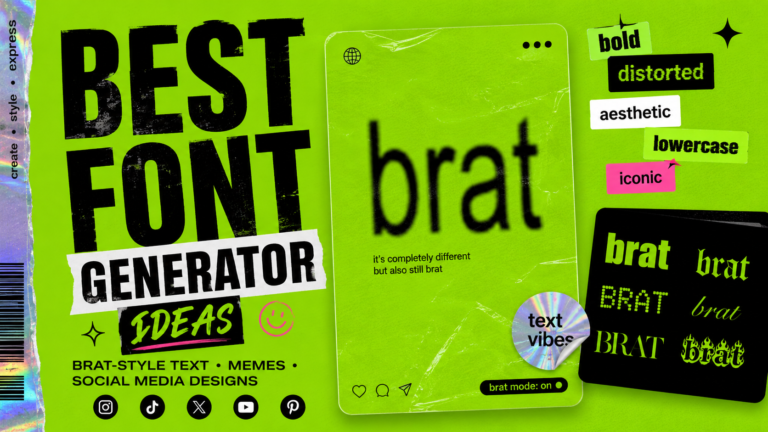
- Text and image generators. Making a graphic, styling text, building a meme, generating a cover. These used to require design software. Now they take a few clicks in a tab, and the output quality is genuinely good.
- File converters. Image formats, document formats, audio formats. These are one-off jobs. Nobody needs a permanent app for something they do twice a year.
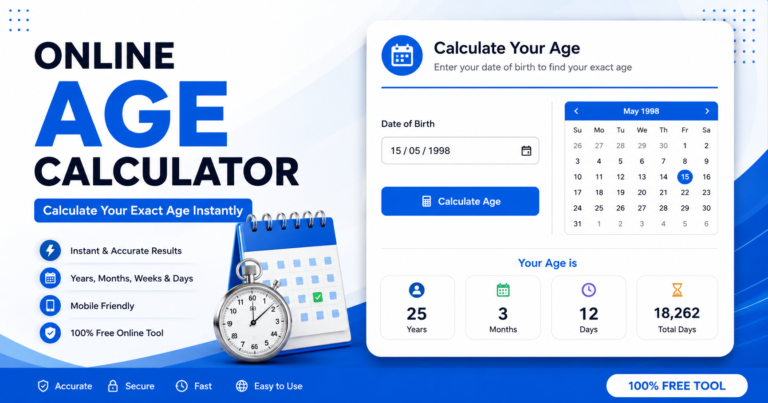
- Calculators. Currency, units, percentages, loan payments, splitting costs between people. The math is simple, the input is small, and the answer is needed immediately.
Splitting a restaurant bill is the obvious example. You are standing at the table with four other people and you need the tip amount and the per-person share right now. Nobody is downloading an app for that. A free tip calculator that splits the bill loads instantly, handles the tax question, and divides the total across however many people are at the table. Thirty seconds and you are done.
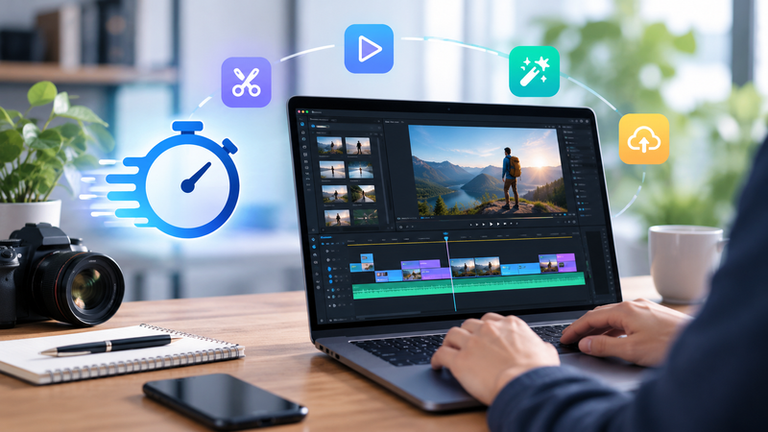
- Quick editors. Cropping, resizing, compressing, removing a background. Small edits that do not justify opening full software.
Where apps still win
It would be dishonest to say browser tools have replaced everything.
Anything you use daily is better as an app. Anything that needs to work offline is better as an app. Anything handling large files, long projects, or data you need saved between sessions is better as an app.
The rule is roughly this: if you use it every day, install it. If you use it occasionally, bookmark it.
Most utility tools fall firmly in the second category, which is exactly why so many of them have moved to the browser.
The privacy point
There is a version of this argument that is genuinely true and a version that is marketing.
The true version: many browser tools process everything locally. The work happens in your browser, on your device, and nothing is uploaded anywhere. For image and text tools, this is common.
The marketing version: some sites claim to be private while uploading your files to a server, processing them there, and storing them for an unspecified period.
The difference is real and worth checking. A tool that works with your internet disconnected is processing locally. If it stops working the moment you go offline, something is being sent somewhere.
Either way, a browser tool that asks for nothing is a smaller privacy commitment than an app that wants your contacts, your photo library, and your location before it will convert a file.
How to spot a good one
There are thousands of these tools and the quality varies enormously. A few things separate the good from the forgettable.
- It works immediately. No account, no email, no free trial countdown. If the first thing you see is a signup form, close the tab.
- It does one thing properly. Tools that try to do forty things usually do all of them badly. The best ones have a narrow job and are excellent at it.
- It works on a phone. Most people will use it on a phone at least half the time. If the layout breaks on mobile, the tool was not finished.
- The ads are tolerable. Free tools need revenue and ads are fair. Popups that cover the interface are not.
- It updates live. You should see the result change as you type, not after clicking a button and waiting.
- It explains itself. A good tool has a short explanation of what it does and how, not three thousand words of filler written for search engines.
Build a small collection
The practical move is not to find one tool that does everything. It is to collect five or six that each do one thing well, and bookmark them in a folder.
A text and image generator for social content. A converter. A calculator or two for the numbers you deal with regularly. An image editor for quick crops.
That folder will handle most of what you used to keep apps for, it takes up no space, and it works on whatever device happens to be in front of you.
The apps on that last page of your phone are not doing much for you. It might be time to clear them out.