Brat Green Color Code (HEX #8ACE00) + Brat Color Palette (RGB, CMYK, PNG)
The most crucial component is the precise Brat green color code if you’re attempting to produce the Brat look (viral neon green backdrop + bold basic text). Choosing the appropriate shade of green makes your design readily identifiable, whether you’re creating a cover, meme, TikTok thumbnail, playlist art, or profile photo.
The official Brat green HEX, RGB, and CMYK, ready-to-use palettes and usage advice are all included in this guide.
What Is the Brat Green Color?
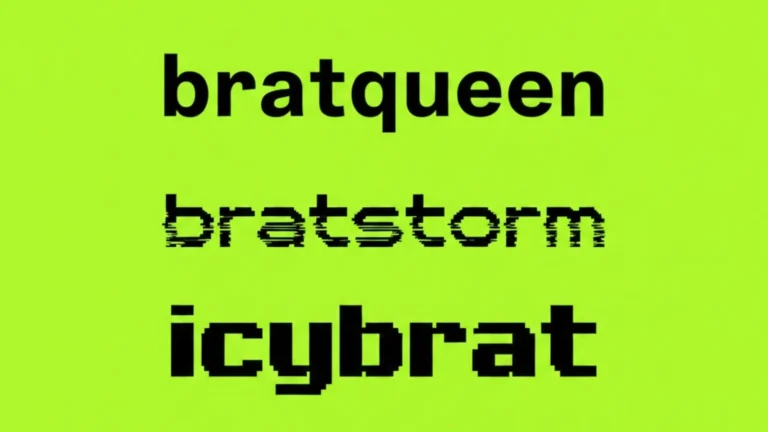
The recognizable neon/lime green hue utilized in Brat-style graphics is called Brat Green Color. Its bold, loud, minimalist style—typically combined with straightforward lowercase lettering and a clear background—made it popular.
Nowadays, a lot of creators are looking for this color to make:
Beautiful thumbnails and backgrounds
Brat-inspired album covers
Templates for viral memes
Posts on Instagram and TikTok
Covers of Spotify playlists
Official Brat Green Color Code
You can copy and paste this precise Brat green HEX code:
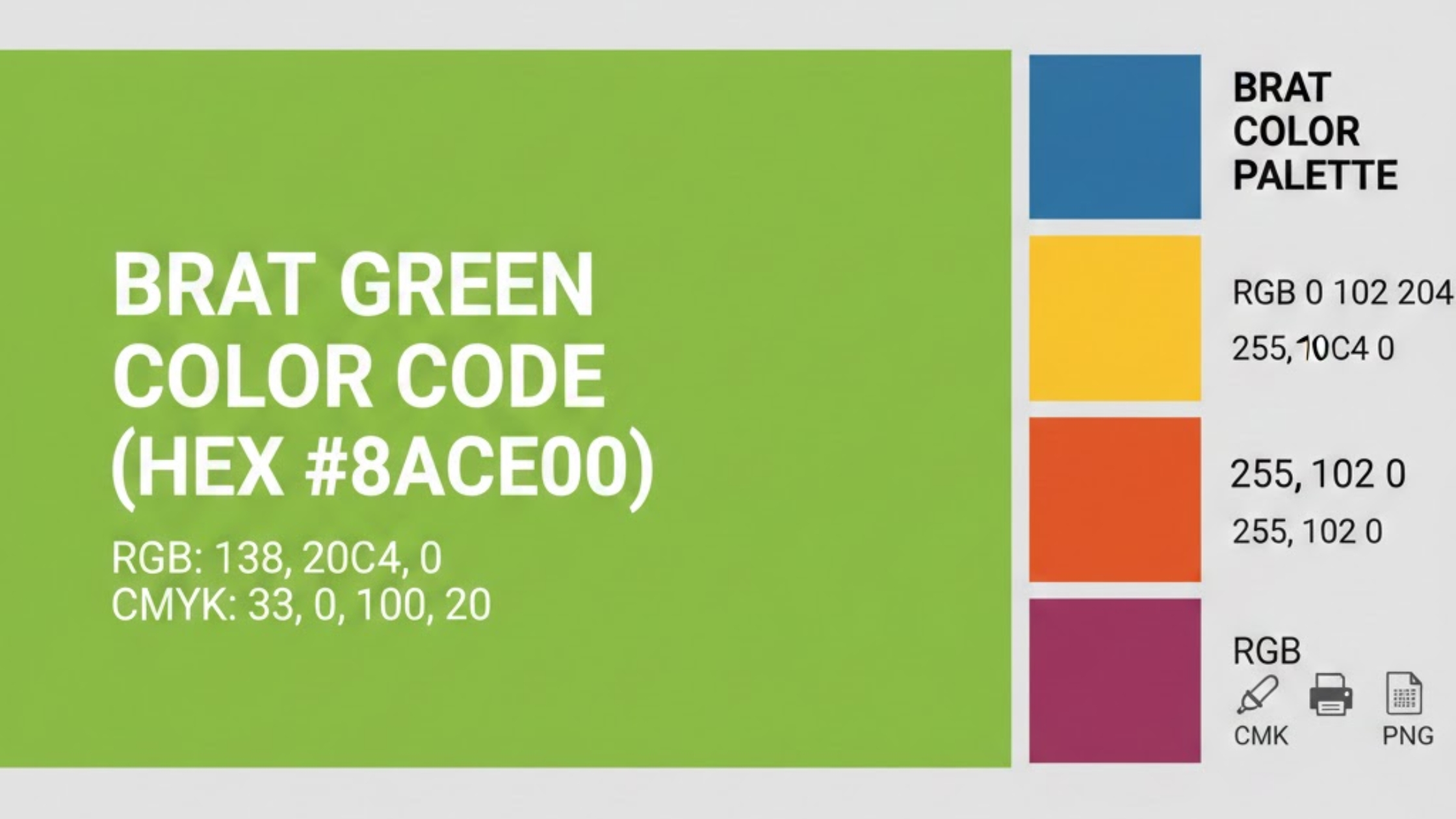
✅ HEX: #8ACE00
✅ RGB: 138, 206, 0
✅ CMYK (Approx): 33, 0, 100, 19 (printing may vary by brand/printer)
✅ HSL (Optional): 80°, 100%, 40% (approx)
Copy-Paste Brat Green (Quick Box)
HEX: #8ACE00
RGB: 138, 206, 0
CMYK: 33, 0, 100, 19
Use HEX #8ACE00 for the closest match if your design tool requests a color code.
Brat Color Palette (Best Matching Colors)
The Brat aesthetic usually uses a super minimal palette, where the green is the hero and everything else supports it. You can also explore similar high-contrast palettes using professional tools like Adobe Color.
The following hues go well with Brat green:
Brat Palette (Classic)
- Brat Green: #8ACE00
- Black: #000000
- White: #FFFFFF
Brat Palette (Creator-Friendly)
If you want to experiment with similar Brat-style combinations, tools like Coolors make it easy to generate and test color palettes quickly.
- Brat Green: #8ACE00
- Deep Black: #0B0B0B
- Soft White: #F8F8F8
- Neon Yellow Accent: #E5ED23
- Purple Accent (Optional): #BA51B6
✅ Tip: If your design feels “too bright,” reduce the contrast slightly using a softer black or off-white.
Brat Green PNG Background (Transparent & Solid)
Many creators search for a Brat green PNG background to quickly drop behind text or images.
Here are the best ways to use it:
Option 1: Solid Background (Most Common)
- Use a full solid background with HEX #8ACE00
- Add minimal text centered
Option 2: Transparent Overlay
If you want to place Brat text over a photo:
- Use transparent text or overlay
- Keep the green as a frame or banner
✅ Best export format:
- PNG for high-quality text edges
- JPG if you want smaller file size
Why Brat Green Became Viral (Brat Aesthetic Explained)
Brat green became popular because it’s:
- Instantly recognizable
- Minimal but loud
- Perfect for short text + bold attitude
- Great for memes and high-contrast posts
The vibe is simple:
bright green + short text + confident energy
That’s why it performs well on platforms like:
- TikTok
- Twitter/X
How to Use Brat Green Color in Your Designs (Best Practices)
Here’s how to make your Brat-style designs look clean and viral-ready.
1) Keep the text short
Best Brat text length:
✅ 1–4 words
✅ lowercase text
✅ direct and punchy
Examples:
- “not today”
- “stay loud”
- “main character”
- “brat energy”
2) Use high contrast
Brat green looks best with:
✅ black text
✅ white text (for some styles)
Avoid using low-contrast grays because they reduce the “punch.”
3) Choose the right size for your platform
Use the correct dimension to avoid blur:
Instagram Post: 1080×1080
Instagram Story: 1080×1920
TikTok Video Cover: 1080×1920
YouTube Thumbnail: 1280×720
4) Add slight blur (optional)
A tiny blur or softness can make it feel closer to the Brat look.
✅ Tip: Keep blur subtle so the text stays readable.
Make a Brat Cover Instantly (Free Tool)
Want to generate a Brat-style cover in seconds without Photoshop?
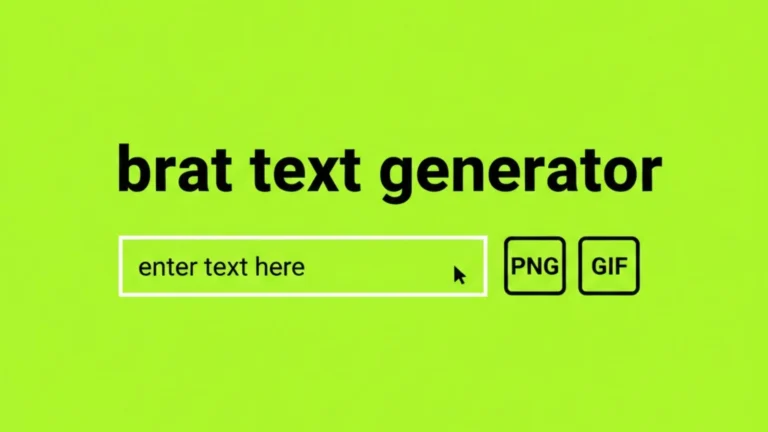
👉 Use BratGen.io to:
- Create Brat text on the official green background
- Generate covers quickly for memes, profiles, and posts
- Export your image and share instantly
Try Brat Generator online for free on bratgen.io.
Brat Green in Canva, Photoshop, and Mobile Apps
Brat Green in Canva (using Canva’s color tools)
- Open Canva → Color picker
- Paste HEX: #8ACE00
- Apply it as background
Brat Green in Photoshop
- Select background layer
- Fill color → HEX #8ACE00
Brat Green in CapCut / Mobile Apps
Use the hex code in the color selection (if supported) or choose the closest neon green shade manually.
FAQ: Brat Green Color Code
What is the official Brat green hex code?
✅ The official Brat green HEX code is #8ACE00.
What is Brat green RGB?
✅ Brat green RGB is (138, 206, 0).
What is the best Brat color palette?
The best Brat palette is:
- #8ACE00 (Brat green)
- #000000 (black)
- #FFFFFF (white)
Can I use Brat green for TikTok and Instagram?
Yes. Use it with minimal text and export at:
- 1080×1920 (stories and TikTok)
- 1080×1080 (posts)
What font is used in Brat designs?
Creators commonly associate the style with Arial Narrow / stretched Arial-like fonts for a bold minimal look.
Final Thoughts
Your design will feel like the trend right away if you use the proper Brat green color code.
✅ Use this official code: #8ACE00
✅ Keep your text short and bold
✅ Export in PNG for sharp results
✅ Use a clean minimal palette
You are now prepared to make your own cover in the Brat style.
Generate your Brat design instantly.